How To Activate A New License Key
This is the step-by-step process for registering your license key to ivvi. This guide helps you navigate the subscription menu to ensure your license is successfully activated.
-
Open ivvi.dev. If you haven't signed up yet, follow this tutorial on how to sign up to ivvi
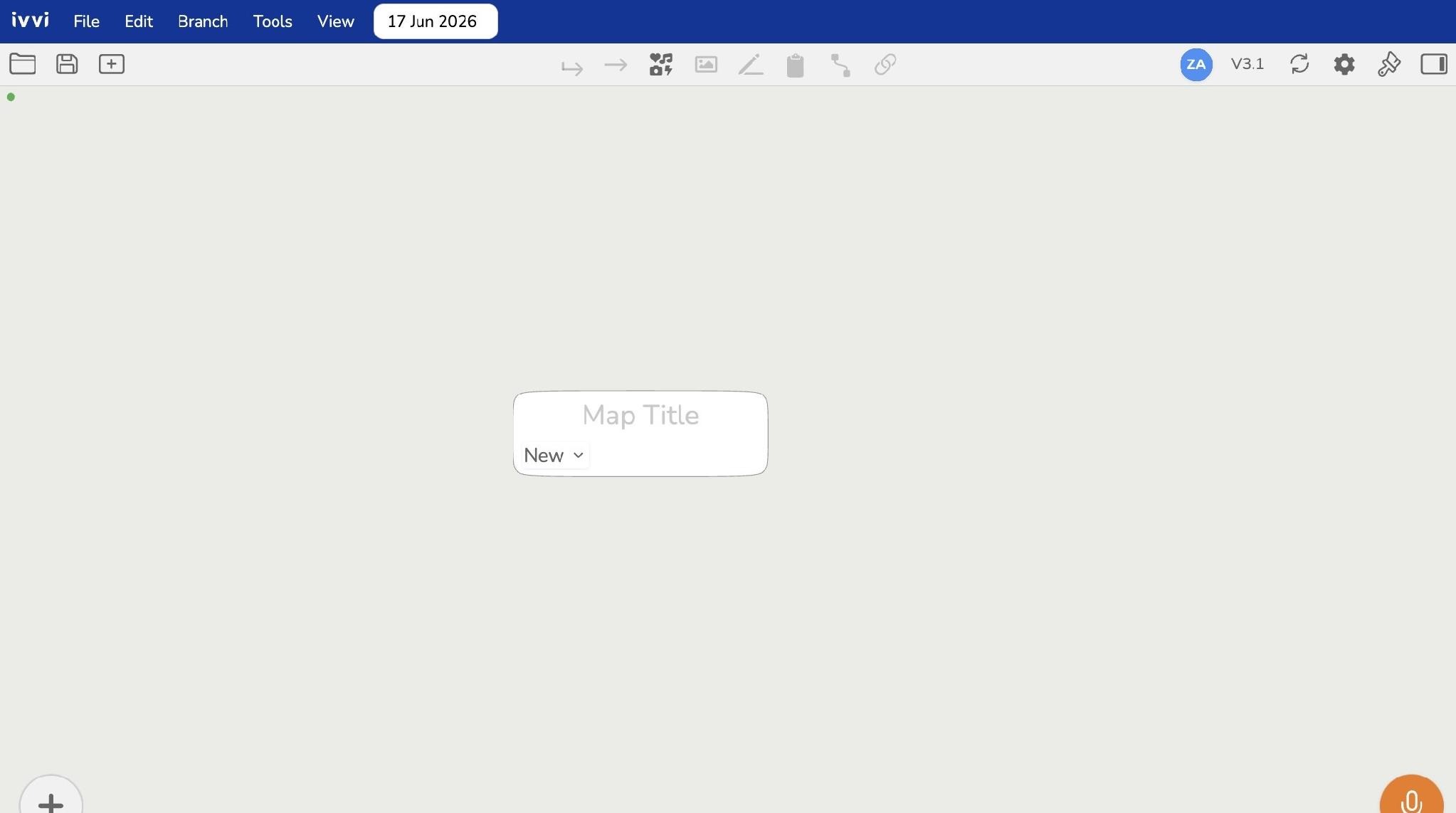
-
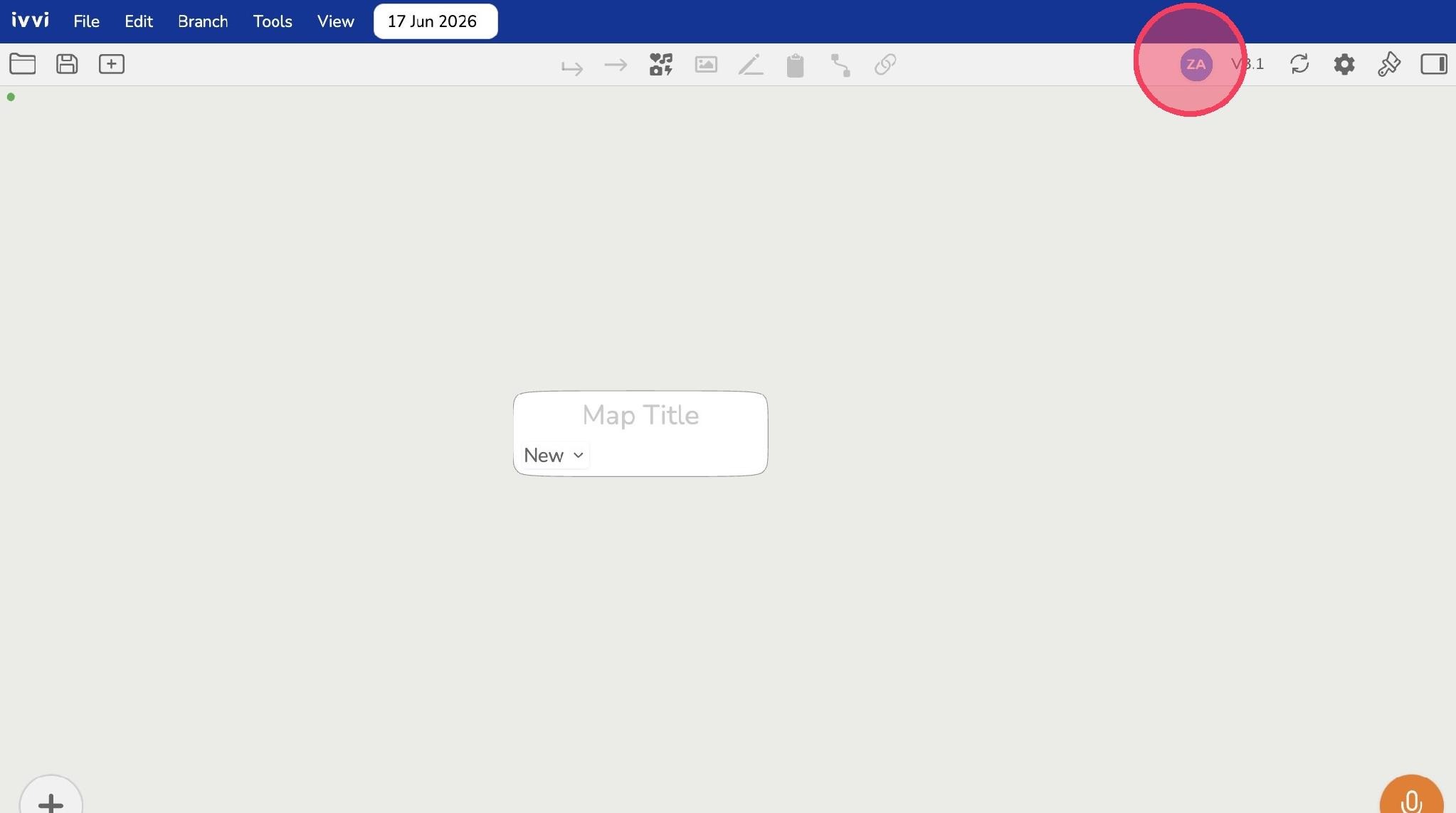
Click the user profile icon in the navigation bar.
-
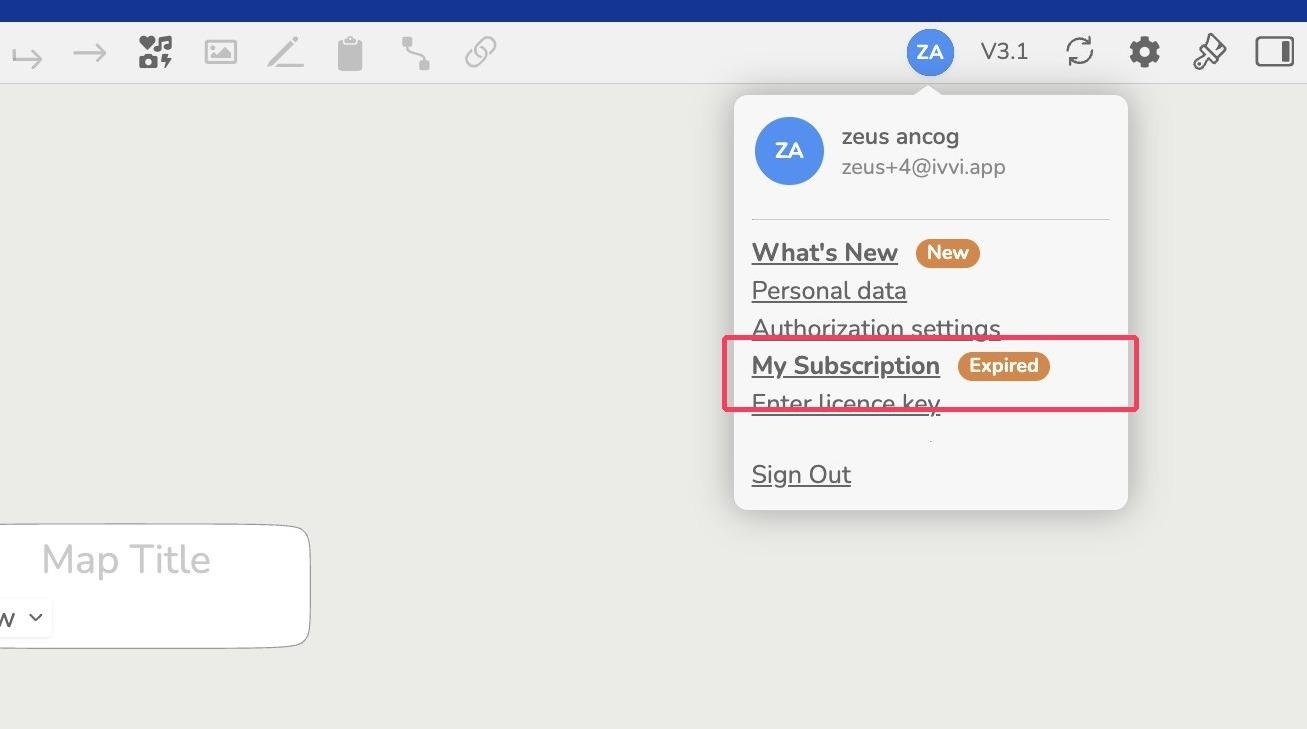
To check out your account subscription, click "My Subscription"
-
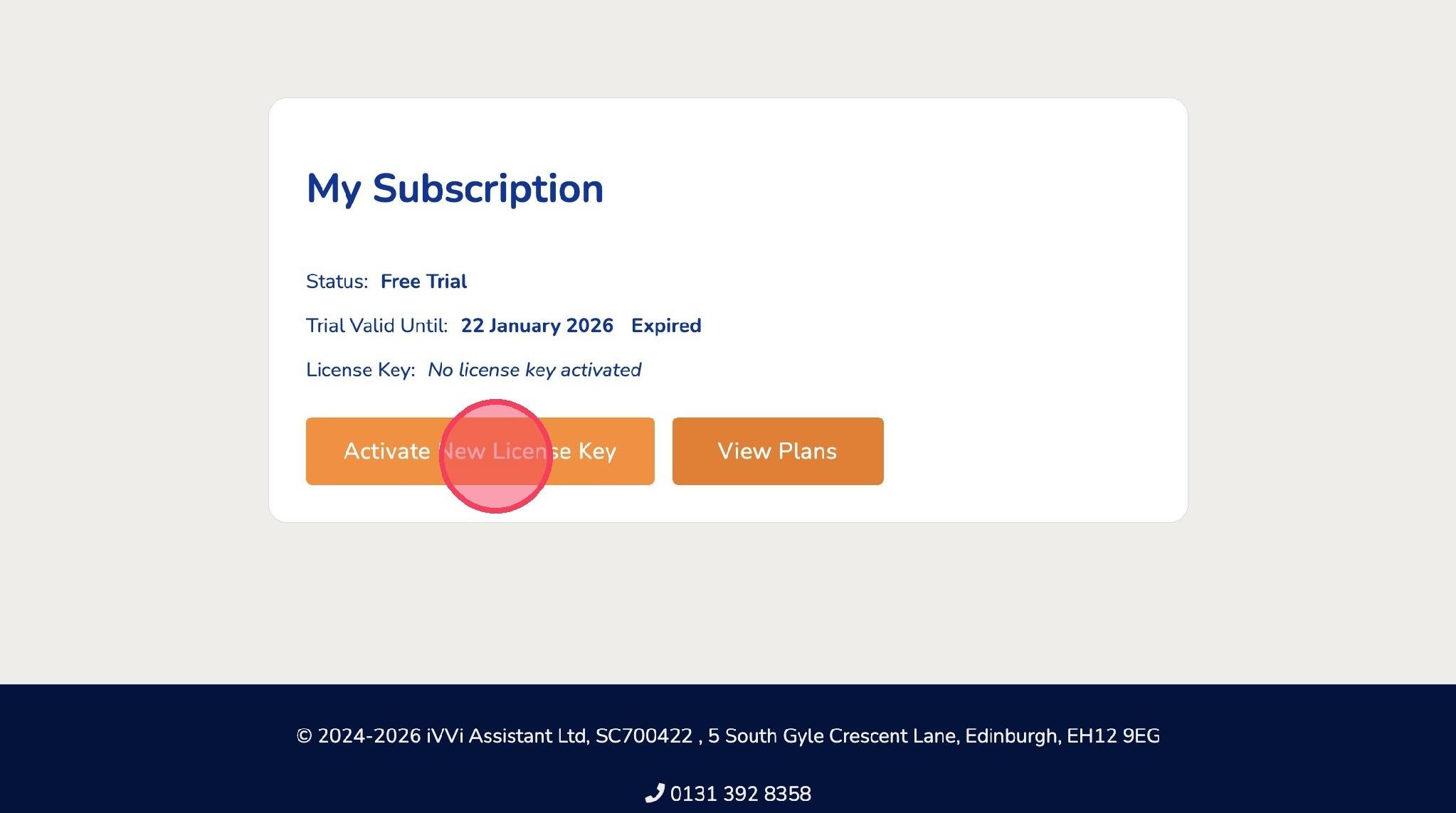
In this page, you can see the status of your ivvi account. Click "Activate New License Key" button below. Here's the link to subscription page: https://ivvi.dev/my-subscription
-
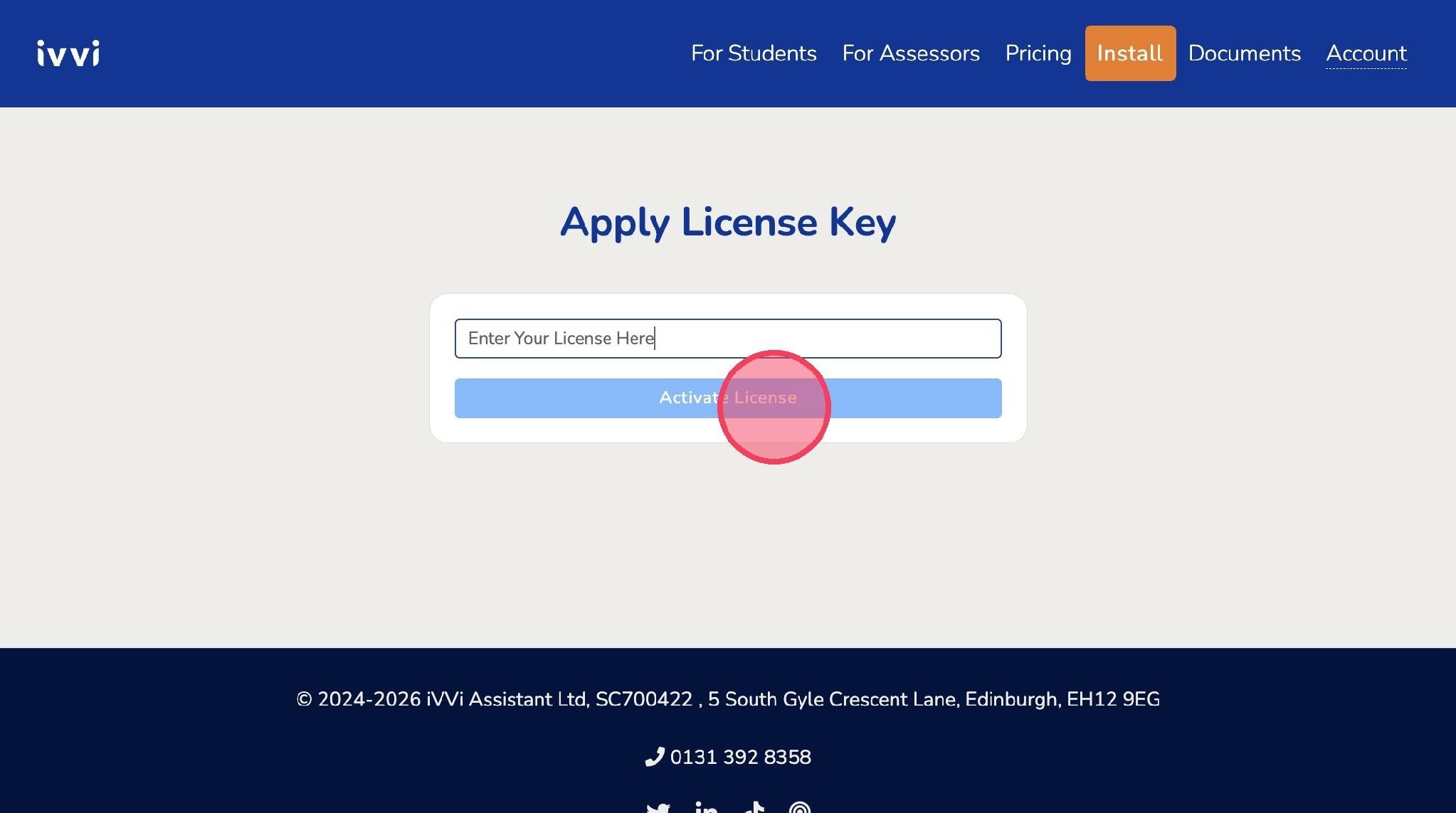
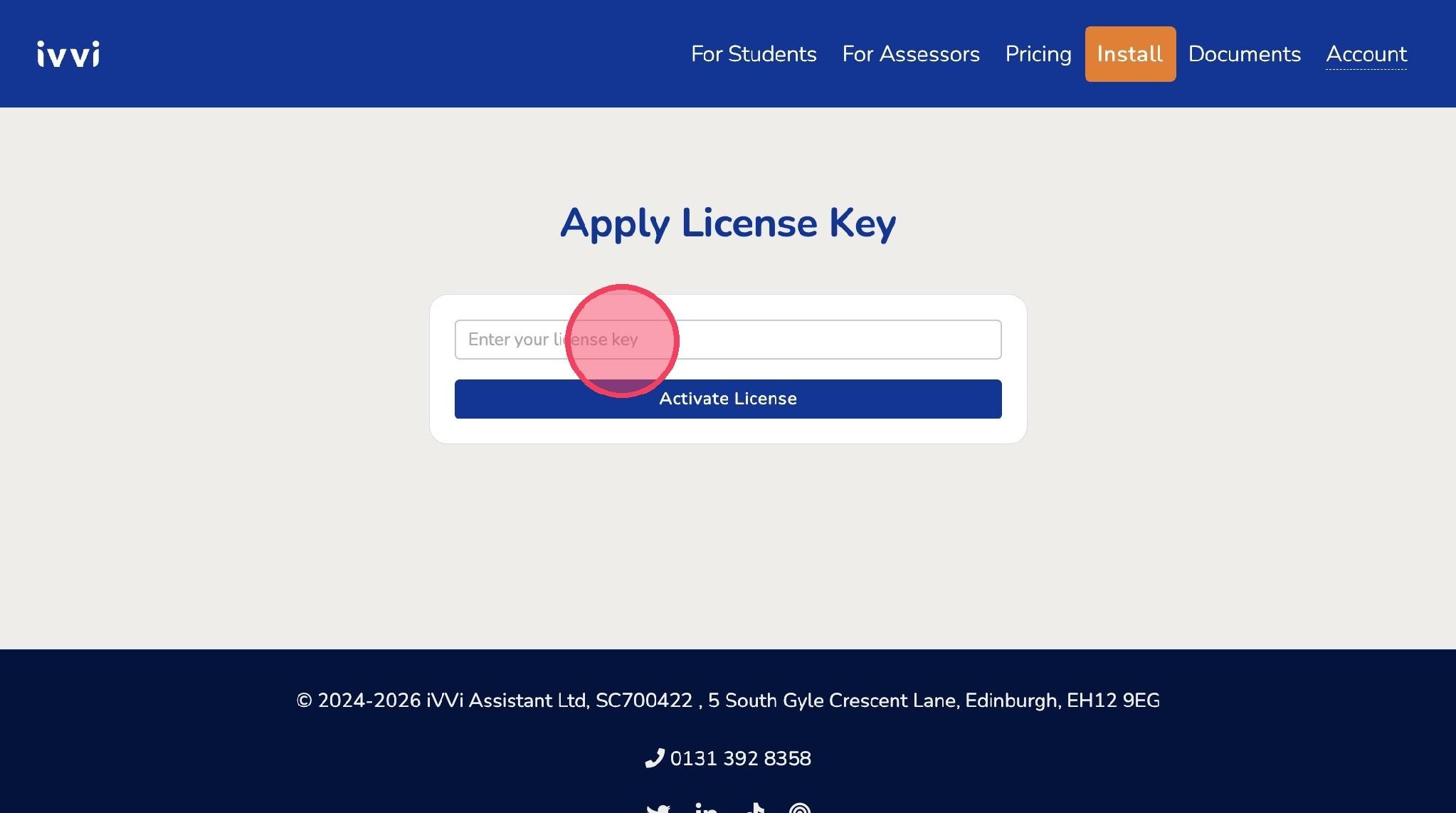
Enter your license key in the field.
-
Click "Activate License"