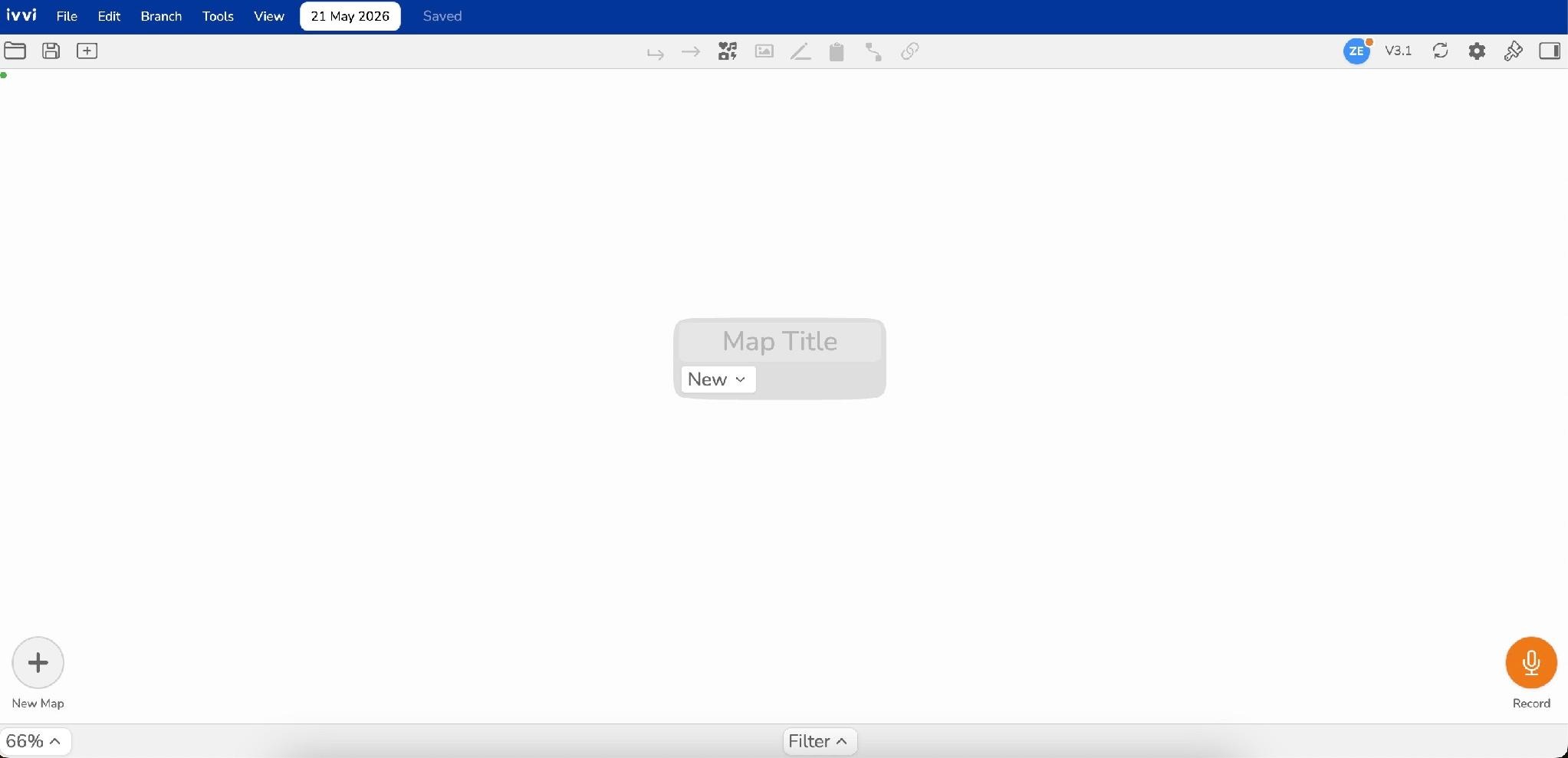
How to Sign up to ivvi Notes
Welcome to ivvi! This guide will help you learn the complete process for registering a new account with us. Your will quickly verify your email and go on to complete a walkthrough of our primary features before getting started with your own workspace
Account Registration
- First, go to the ivvi website at ivvi.app
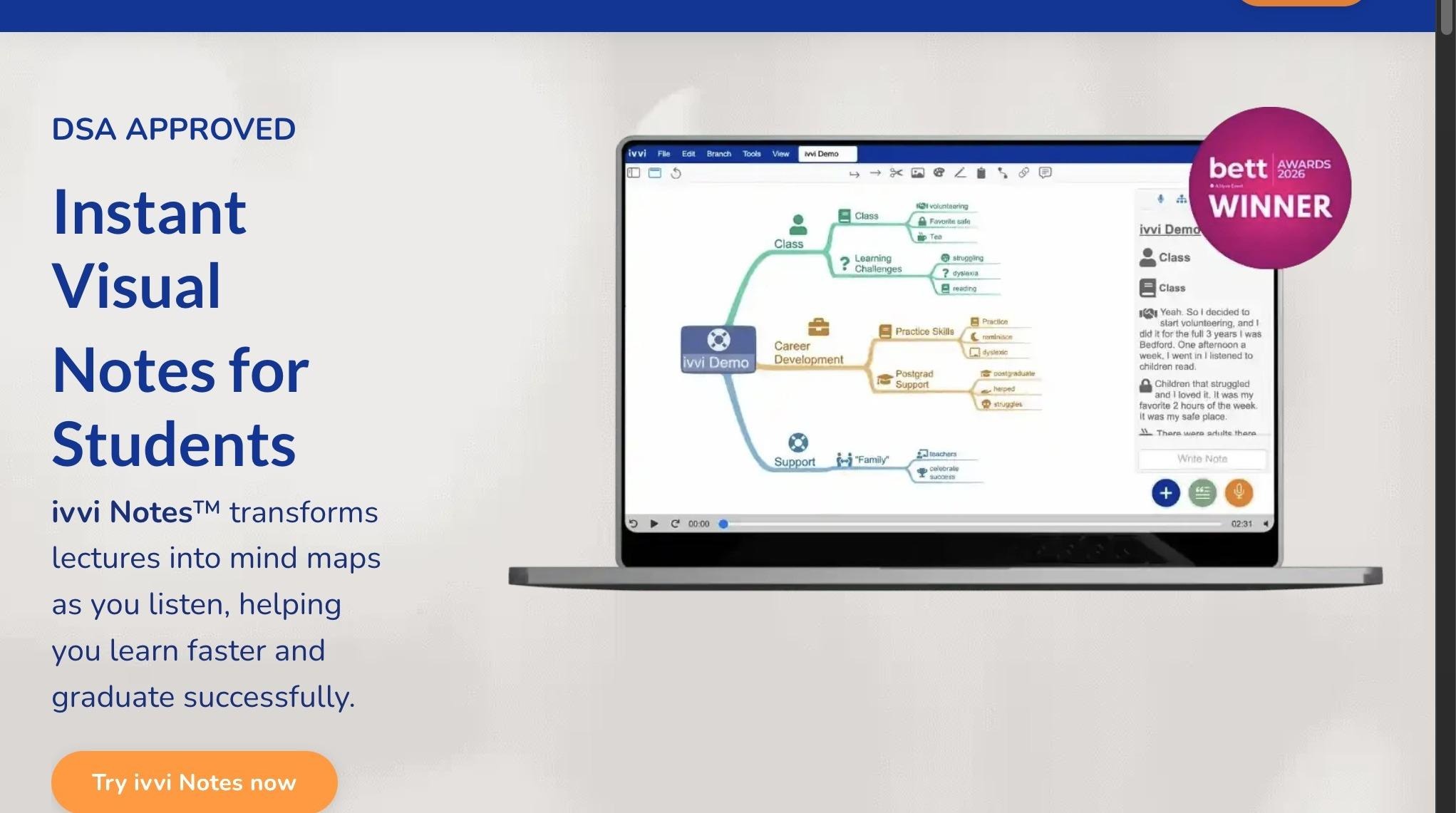
- On the homepage, click "Try ivvi Notes now"
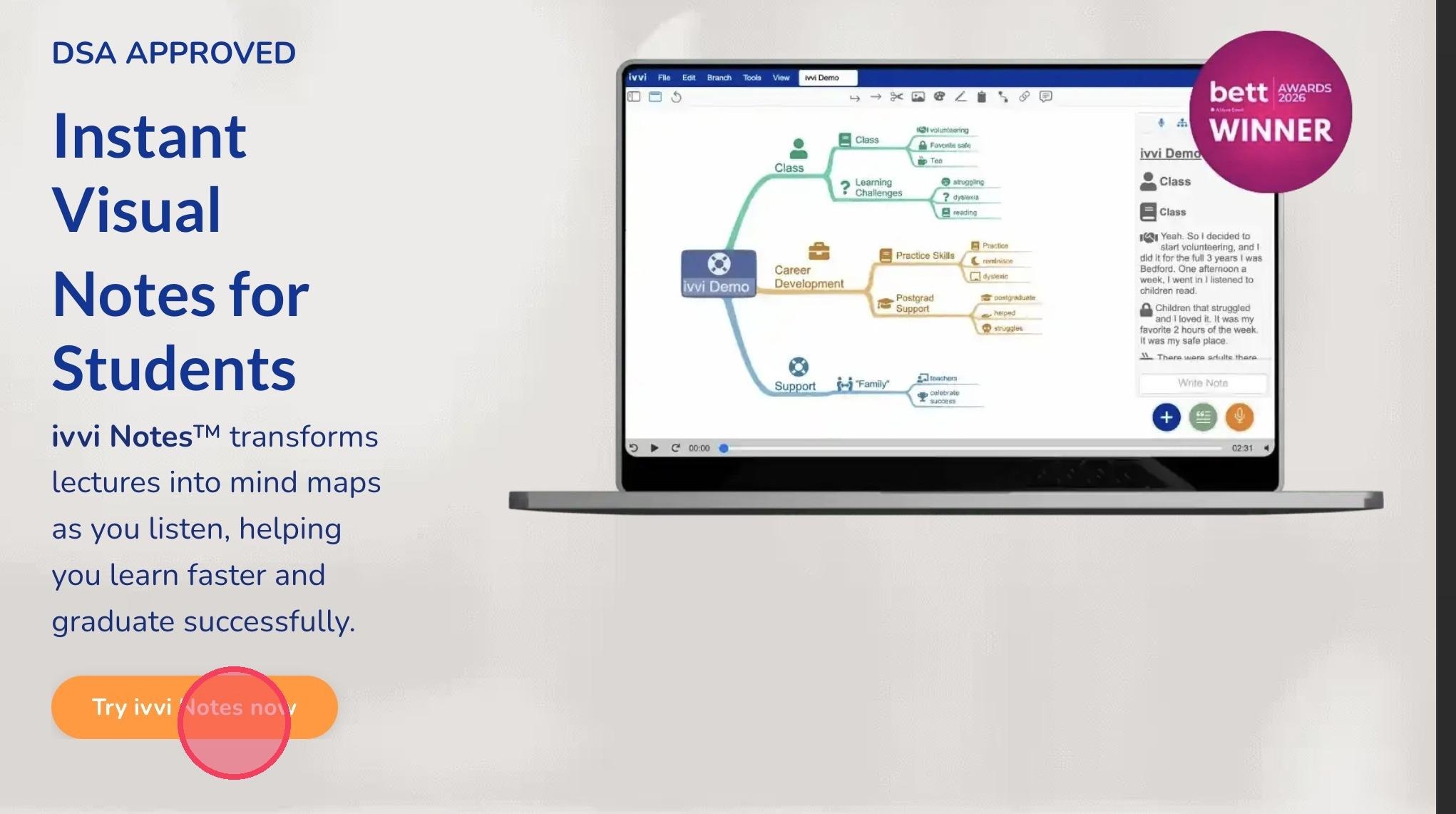
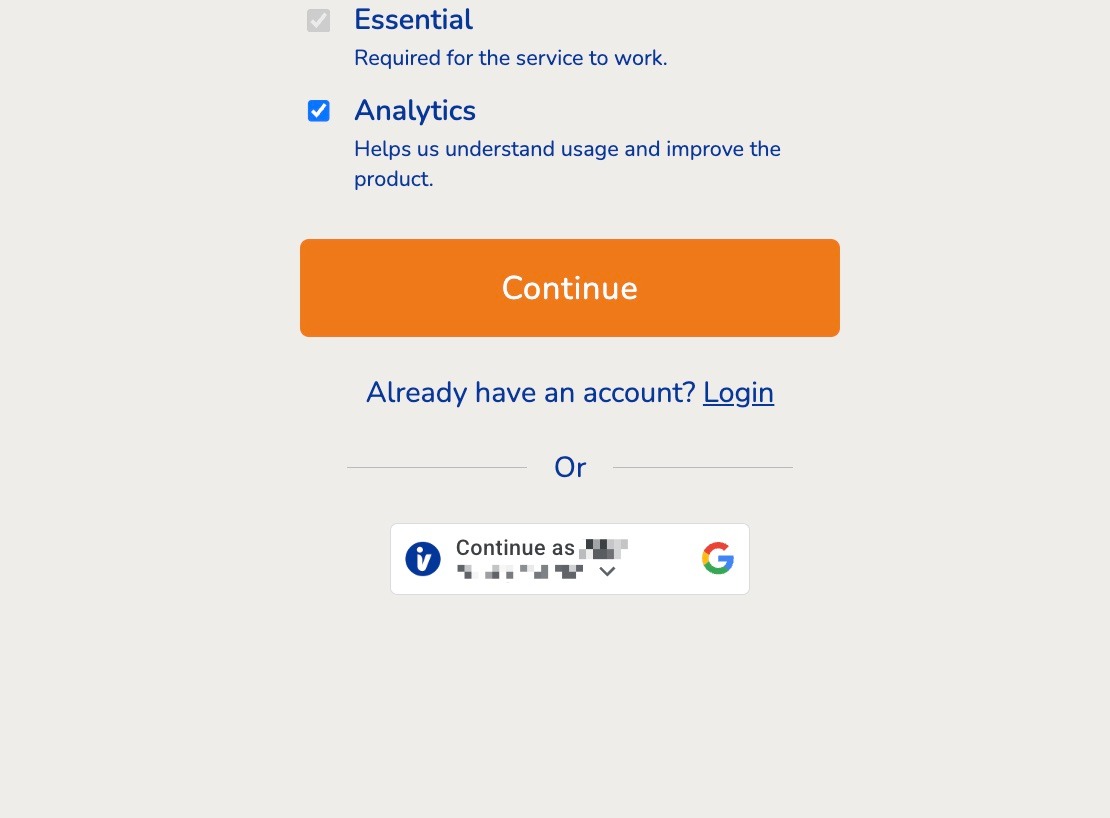
- Sign up to ivvi for a 30 day free trial with no credit card needed and keep lifetime access to your maps. Fill your email first then click continue.
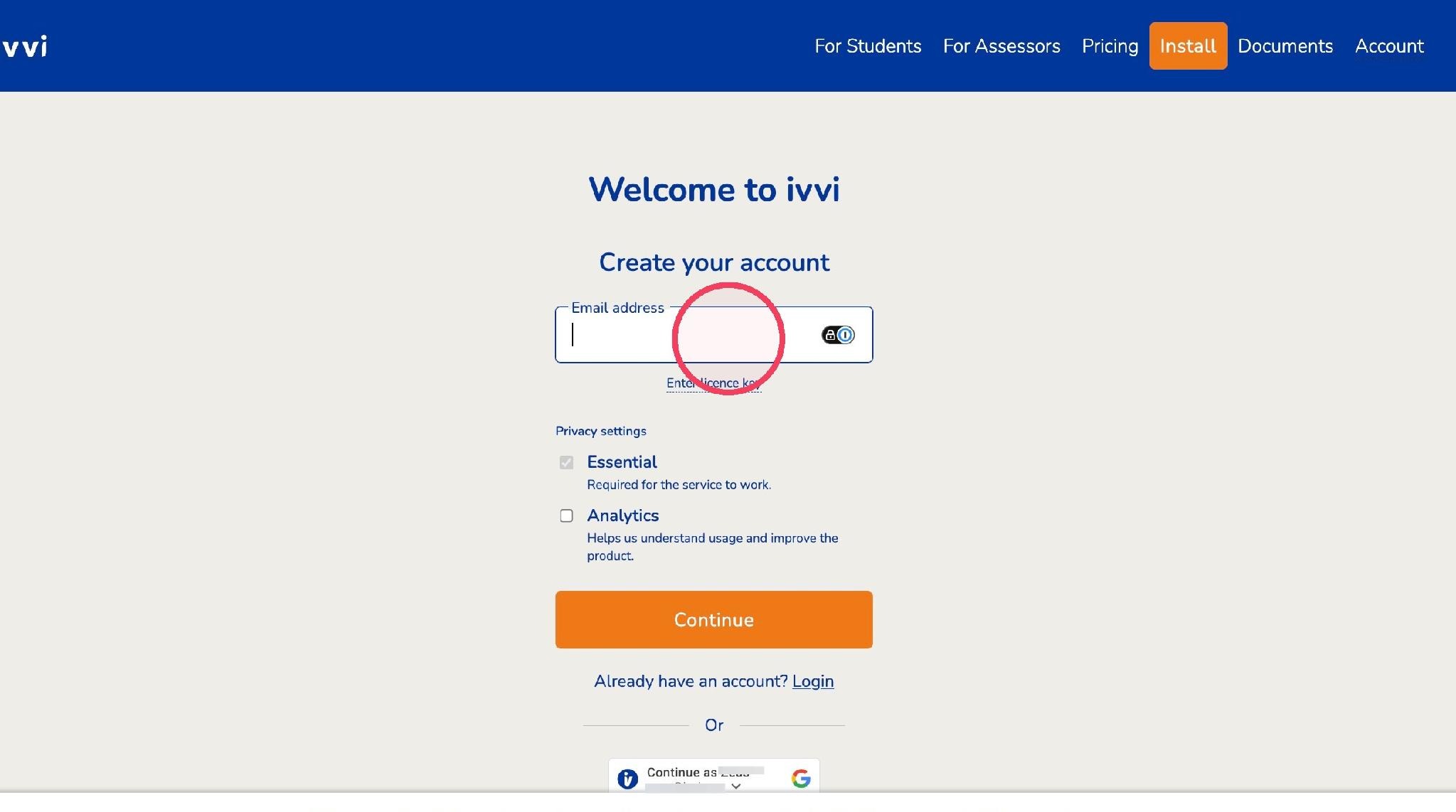
- You can also skip this step by signing up using your google account here.
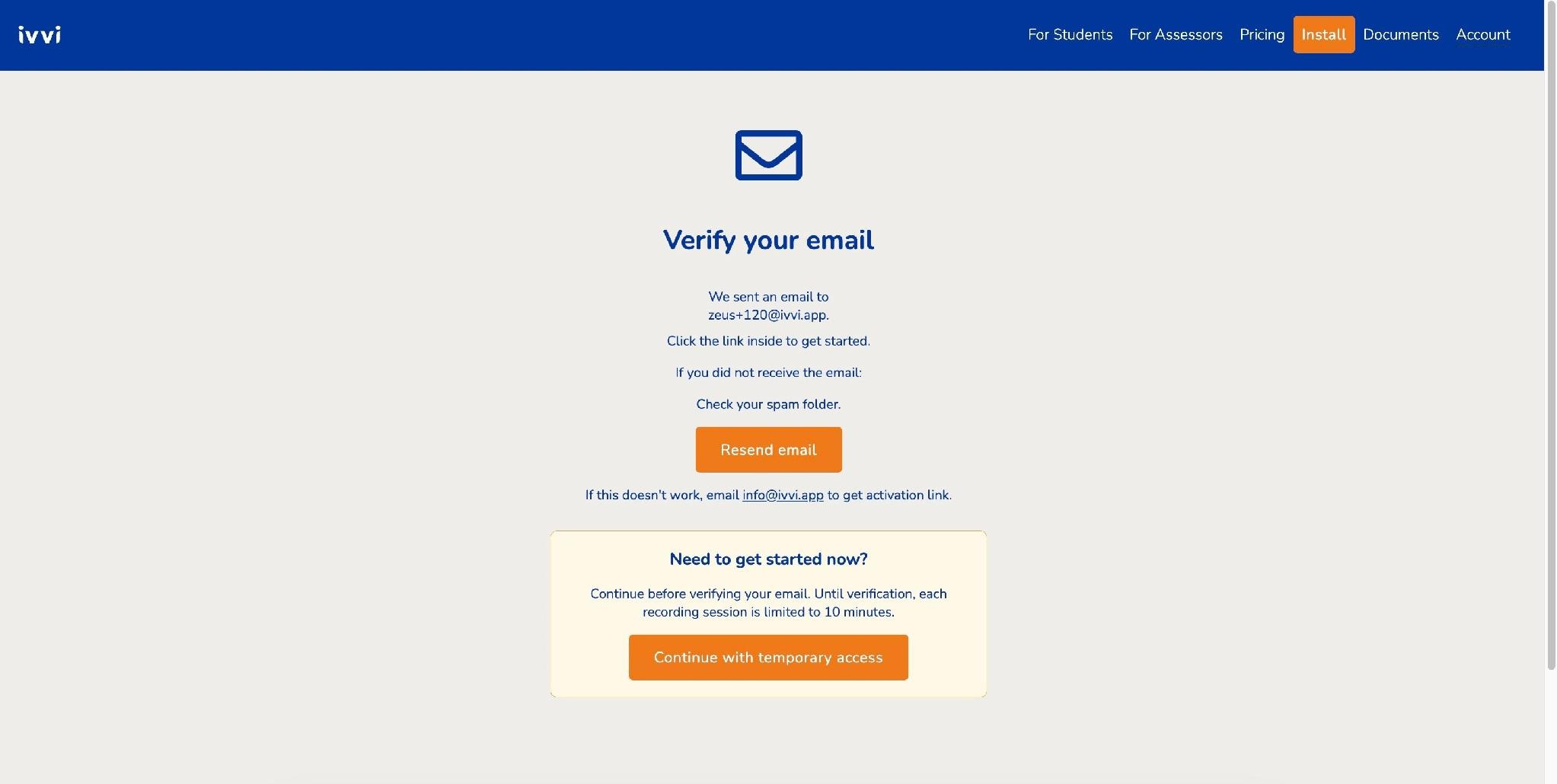
- After signing up, you'll get this message to check your email.
Email Verification
- Switch to your email inbox
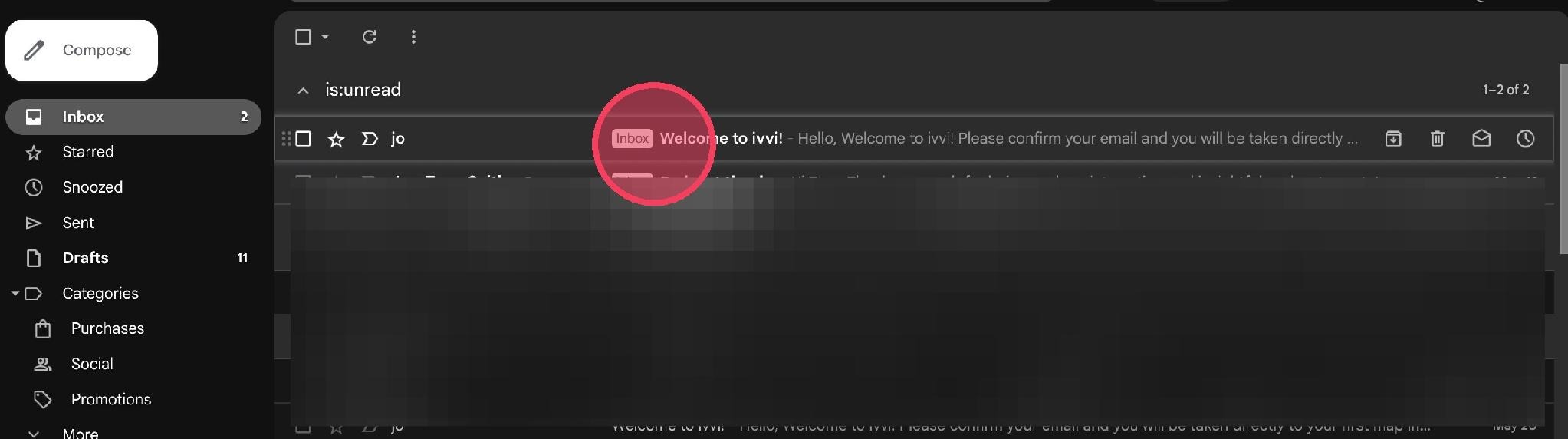
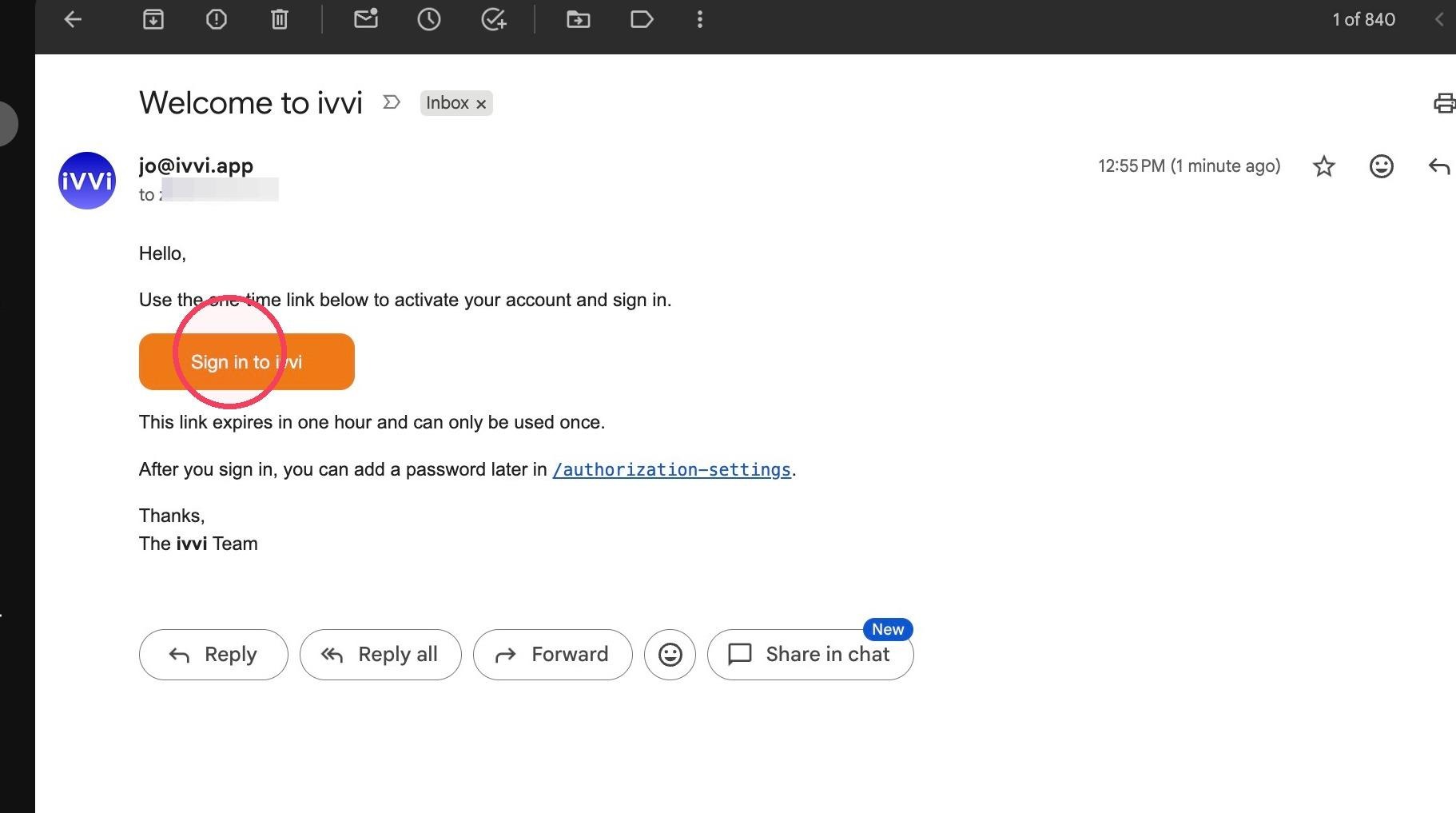
- Click 'sing in to ivvi' in the verification email
Getting Started with ivvi
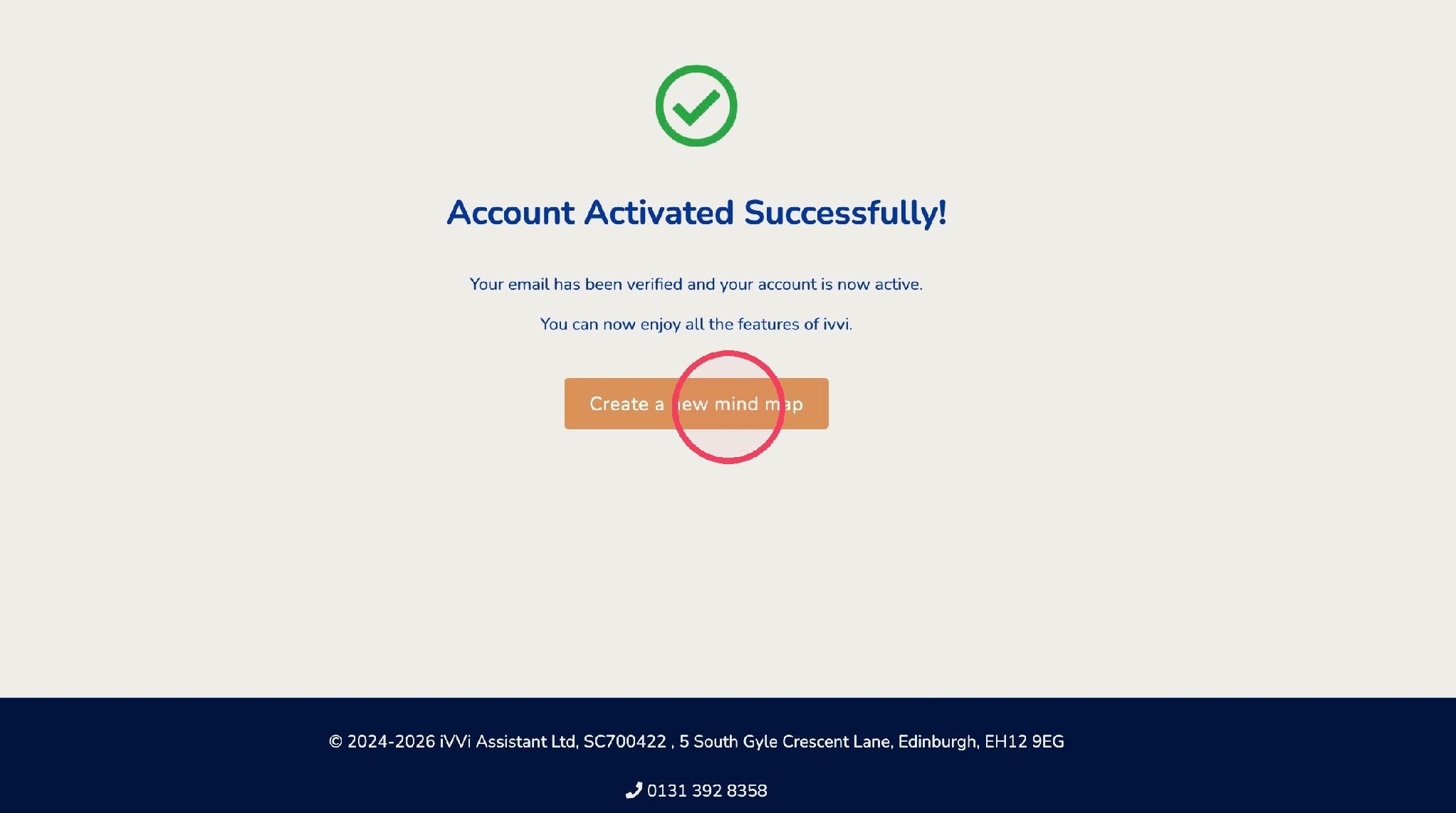
- You will be redirected to the account activation page. Click "create a new mind map".
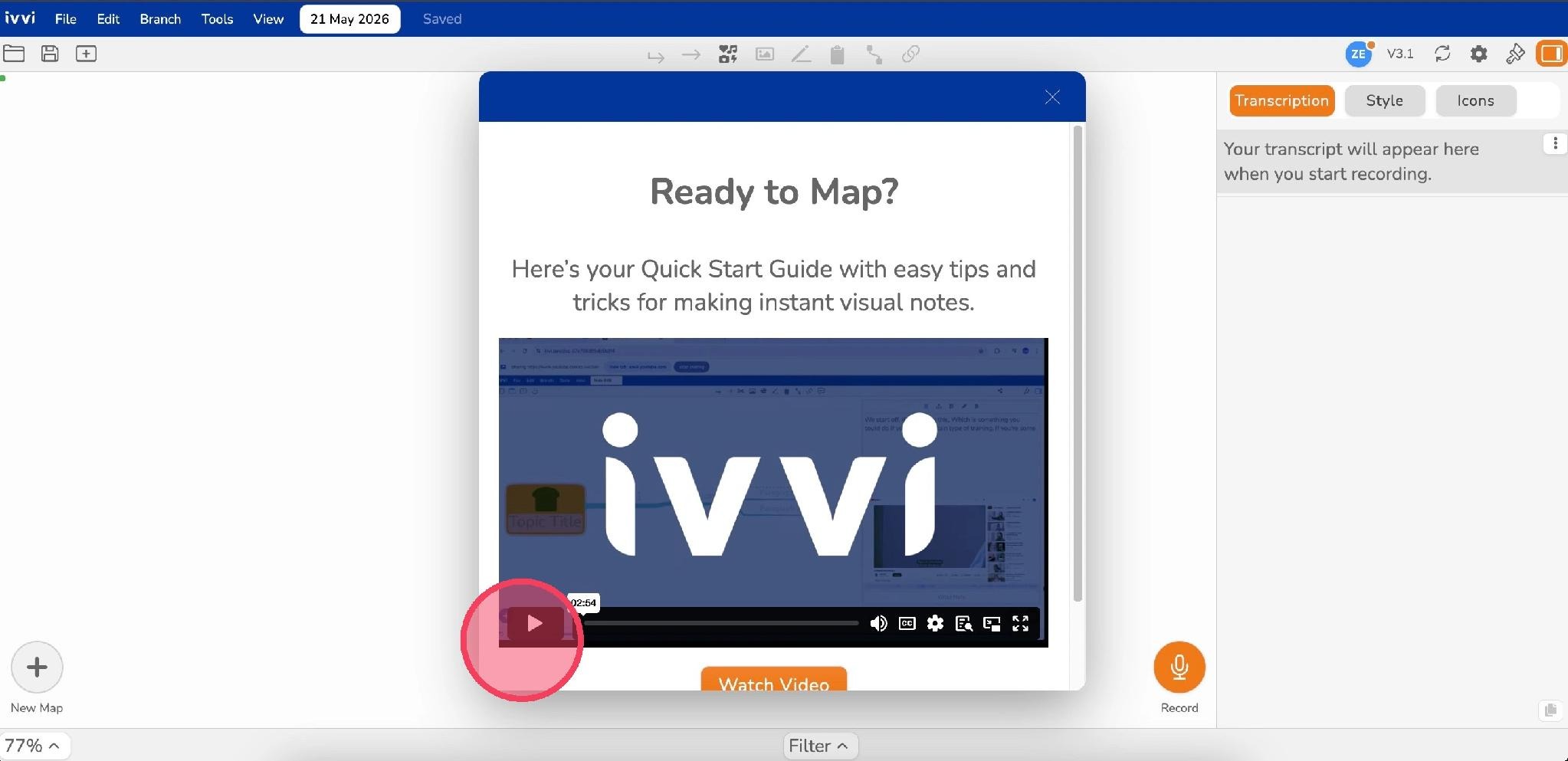
- If you want to, you can watch a quick video tutorial guide on how to use ivvi notes.
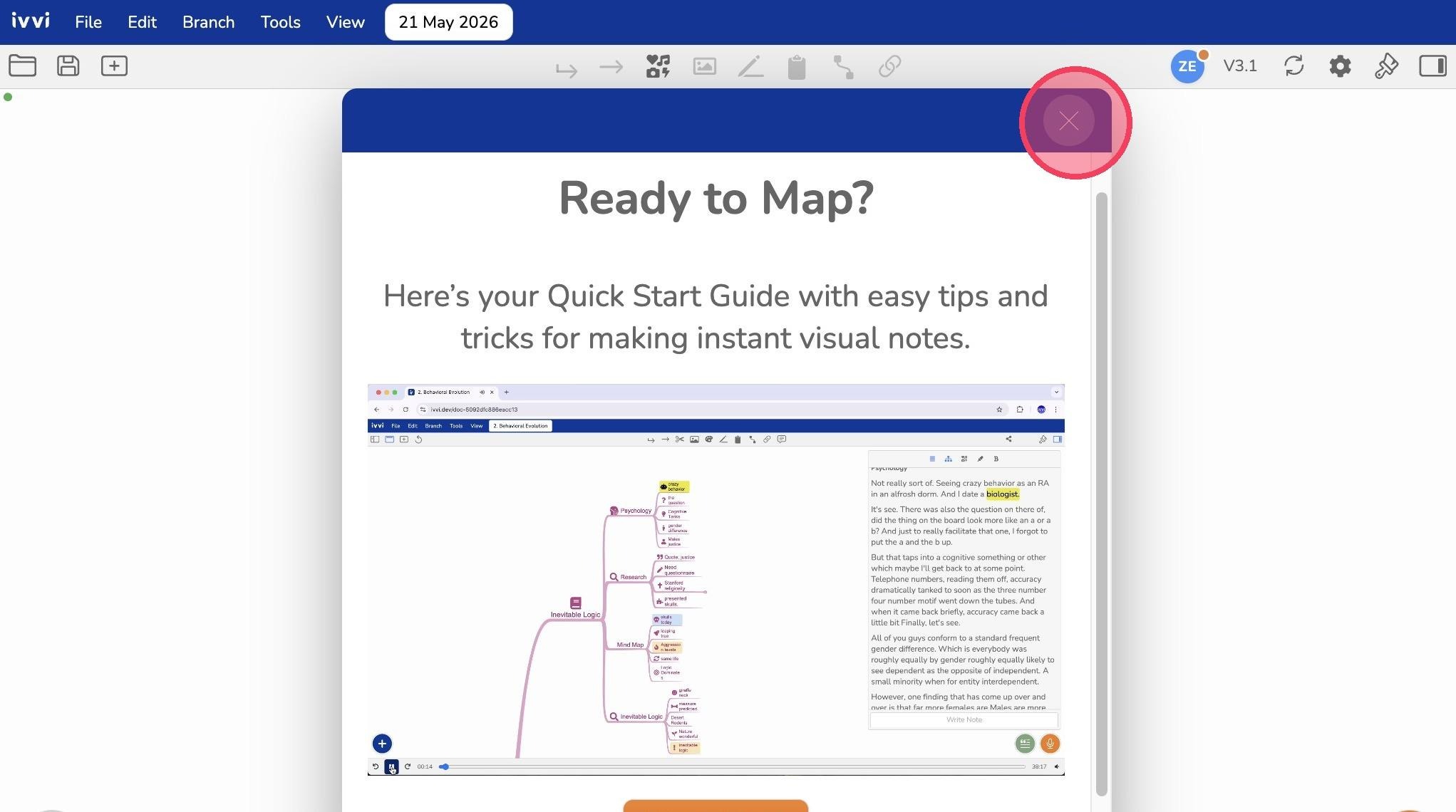
- When you have finished with the video, click the "X" to close the tab.
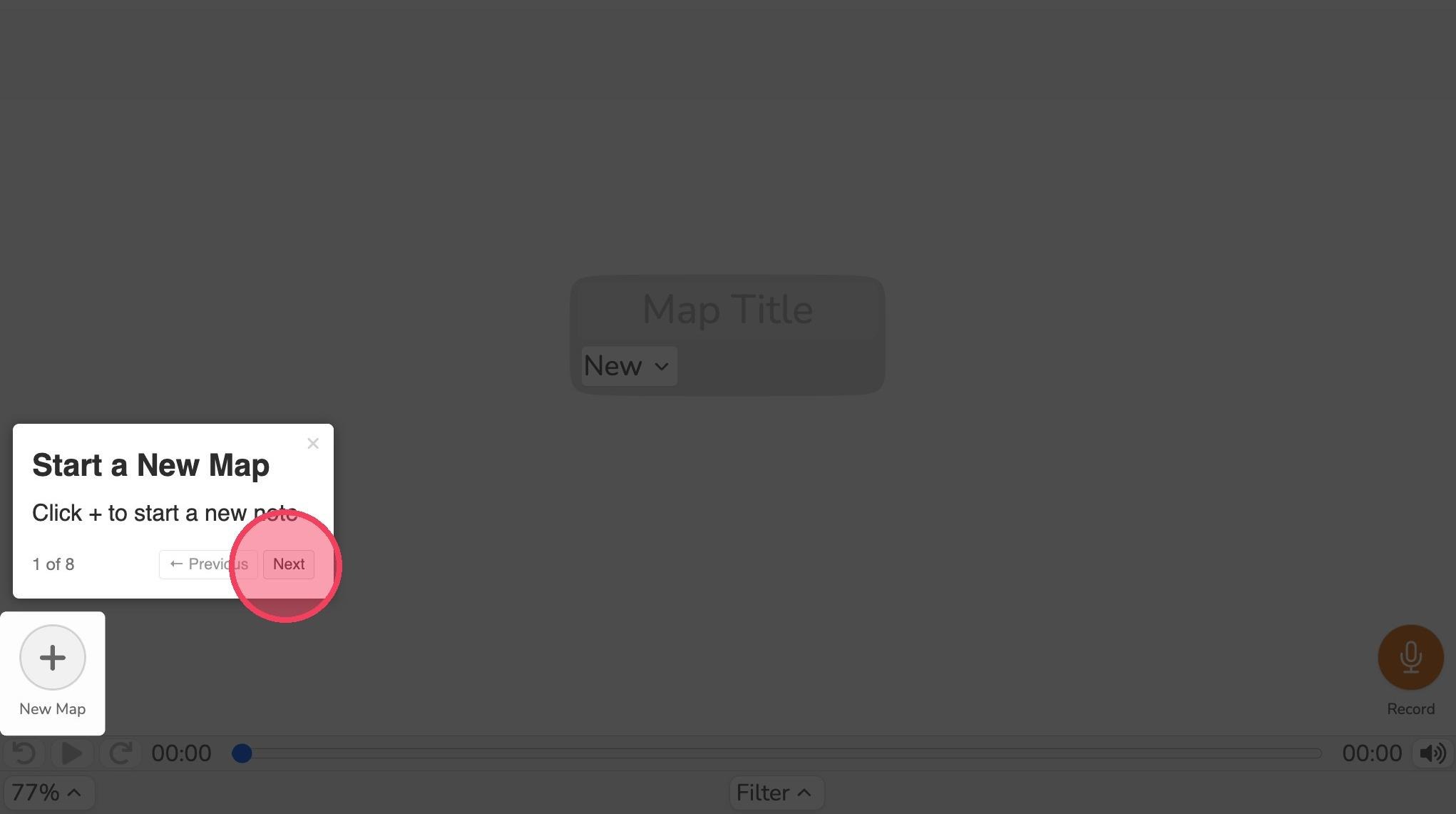
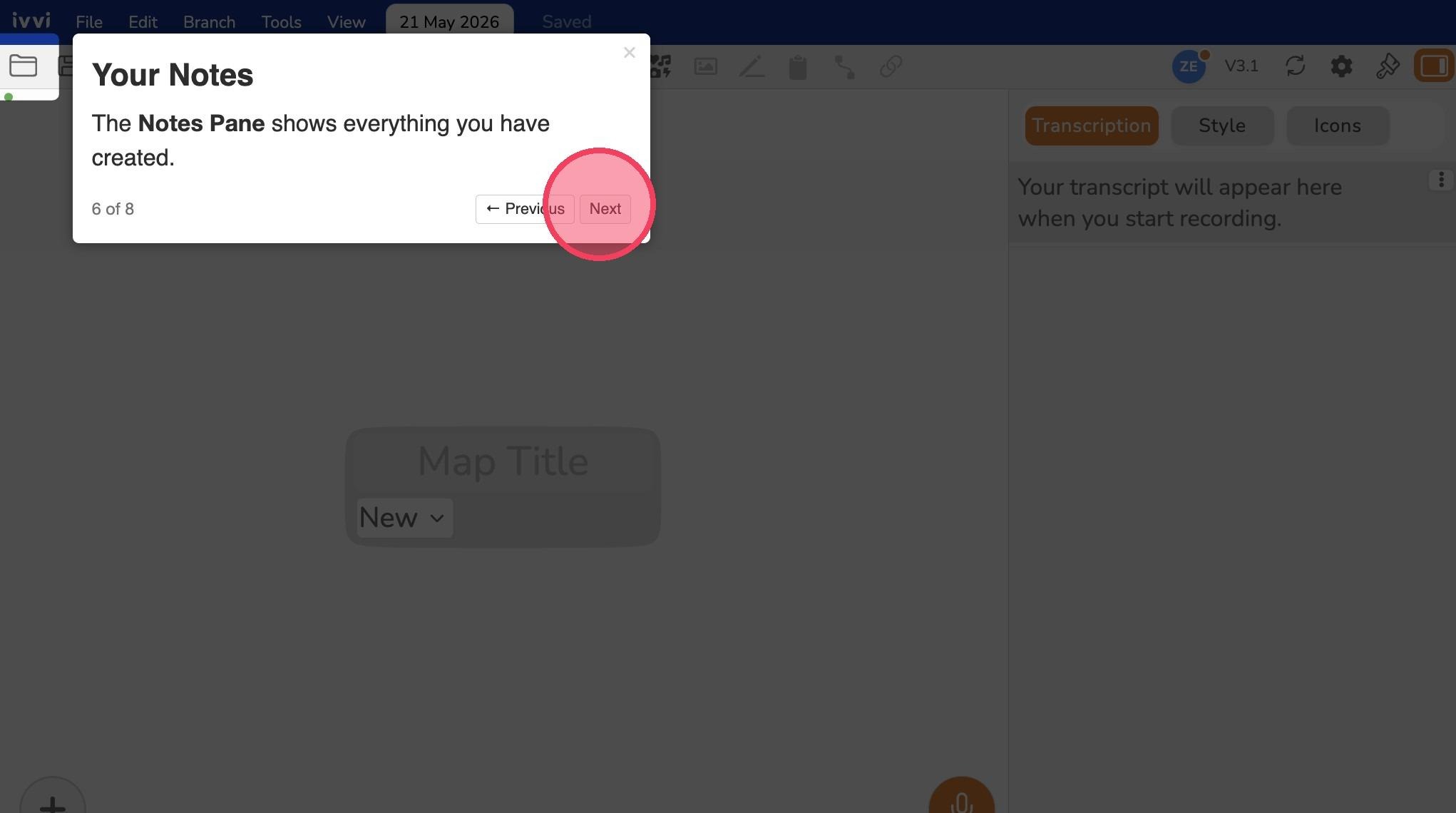
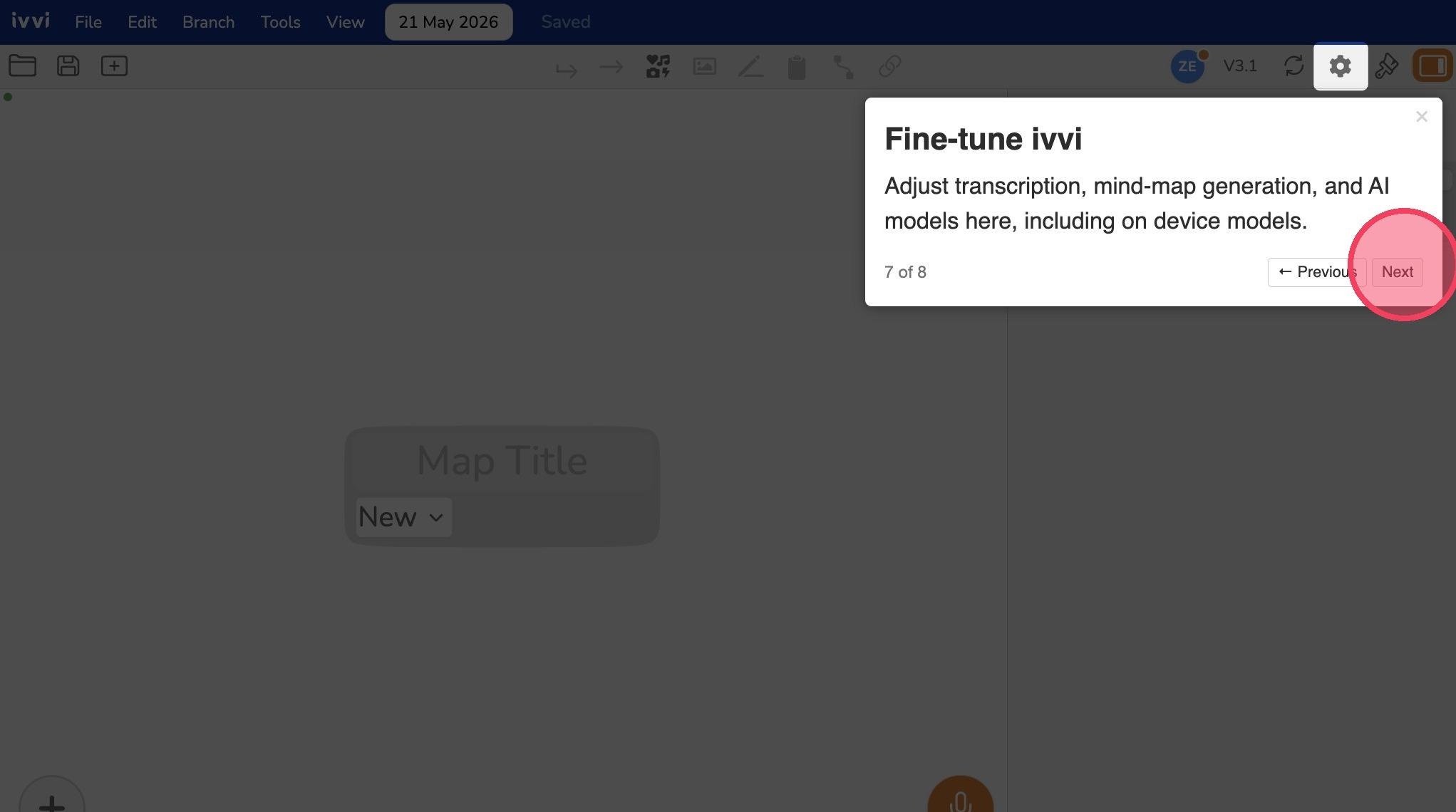
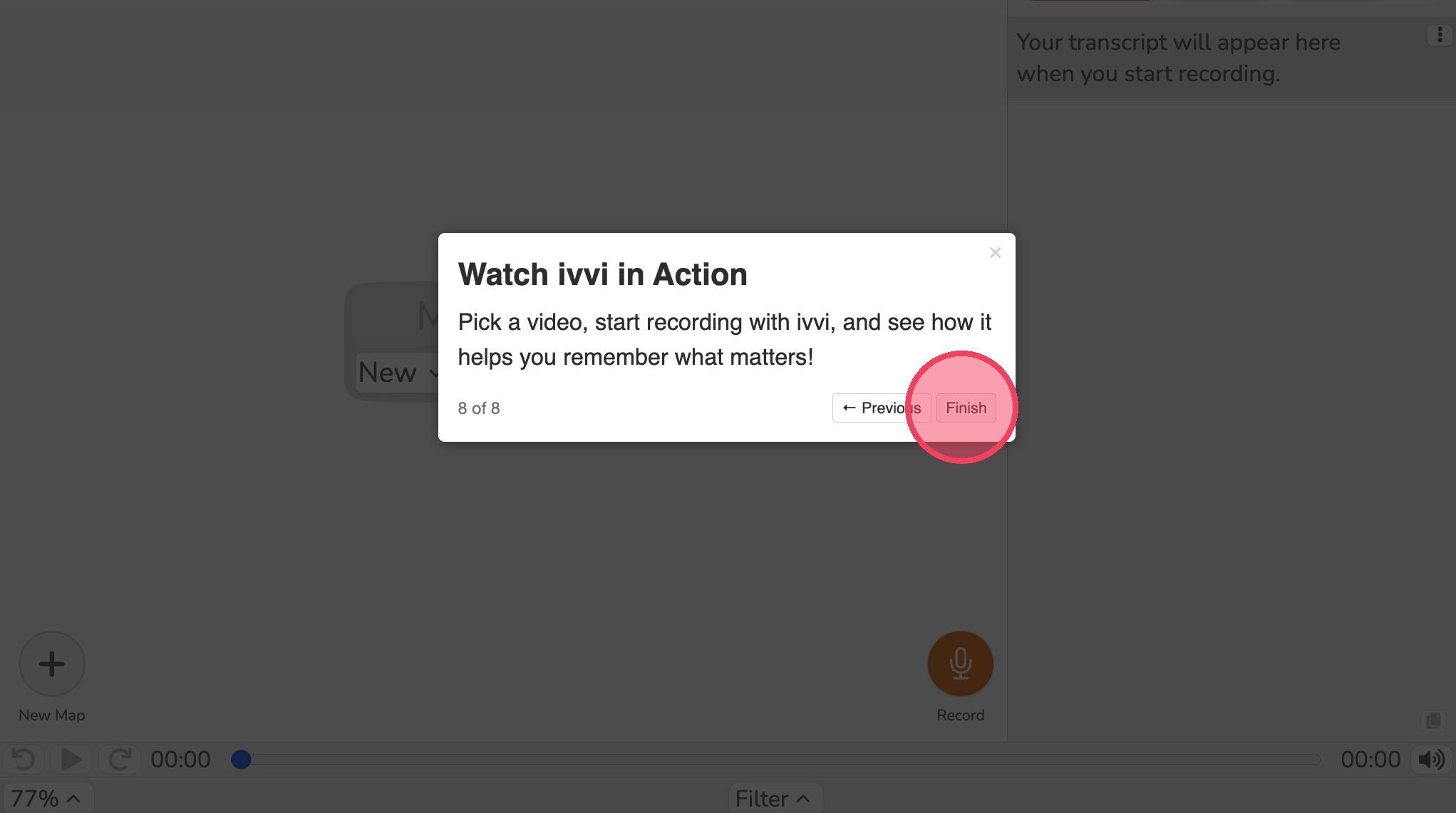
- Our onboarding walkthrough will show you the main features of ivvi, move through it by clicking Next and then Finish
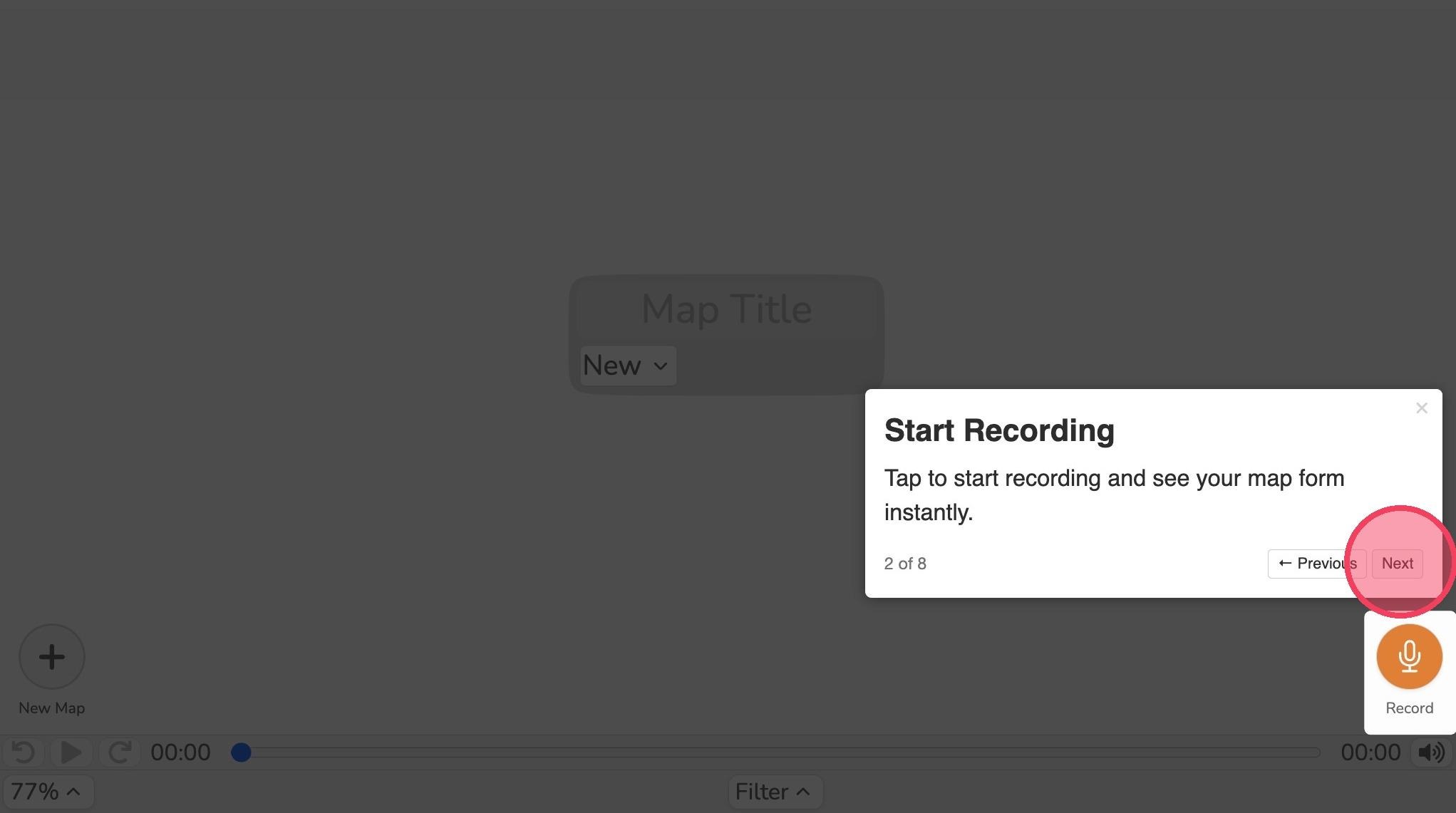
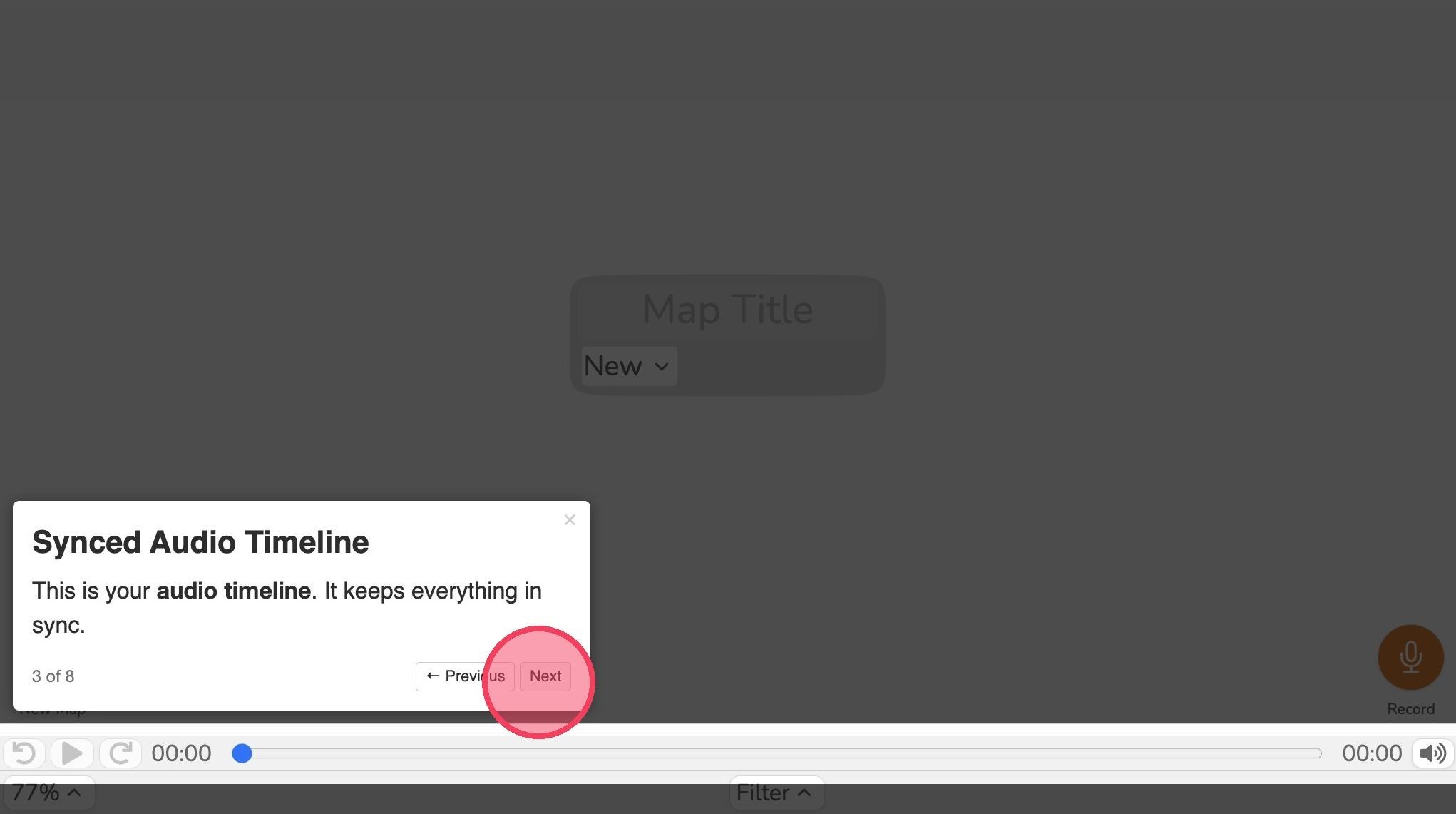
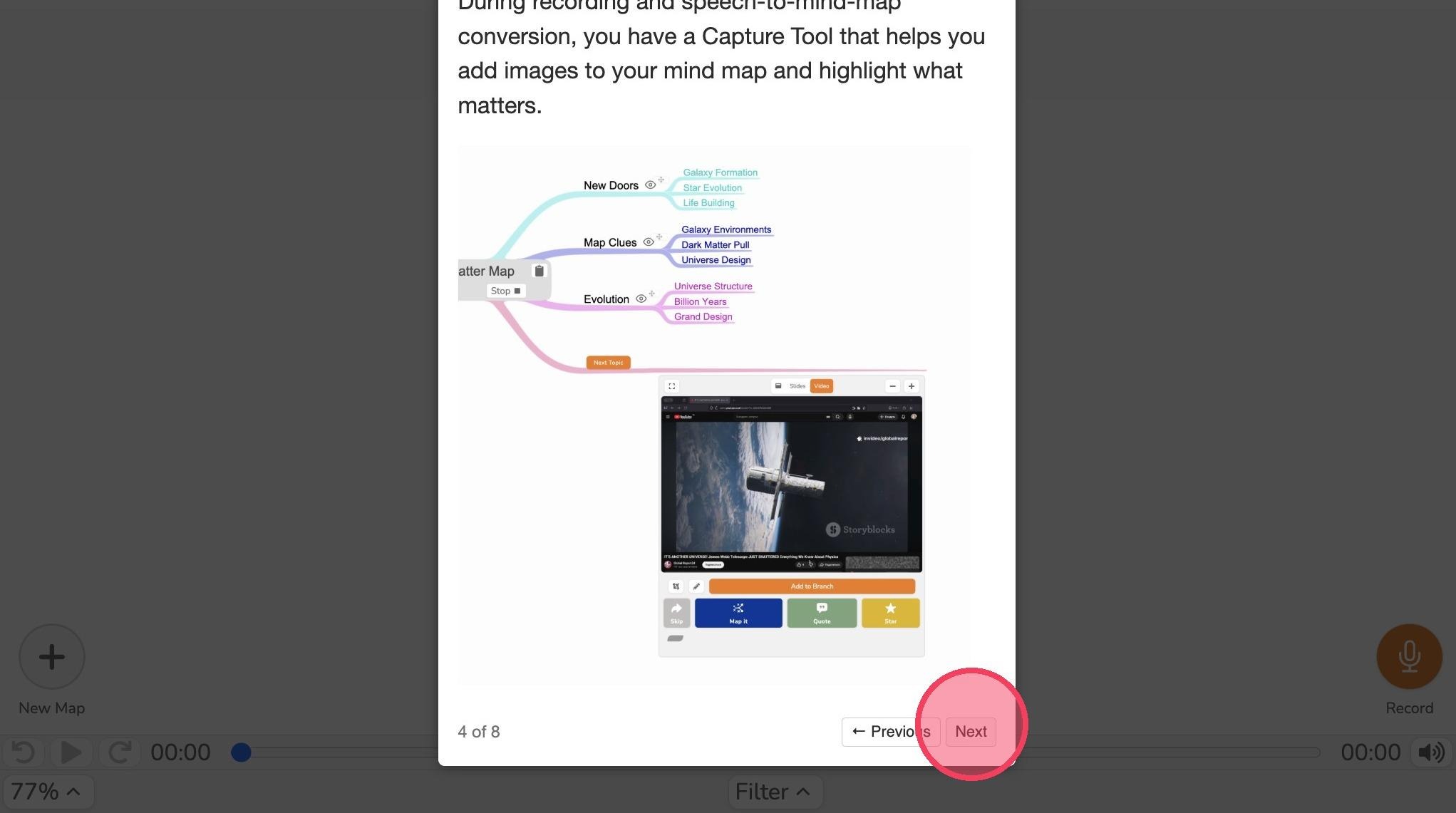
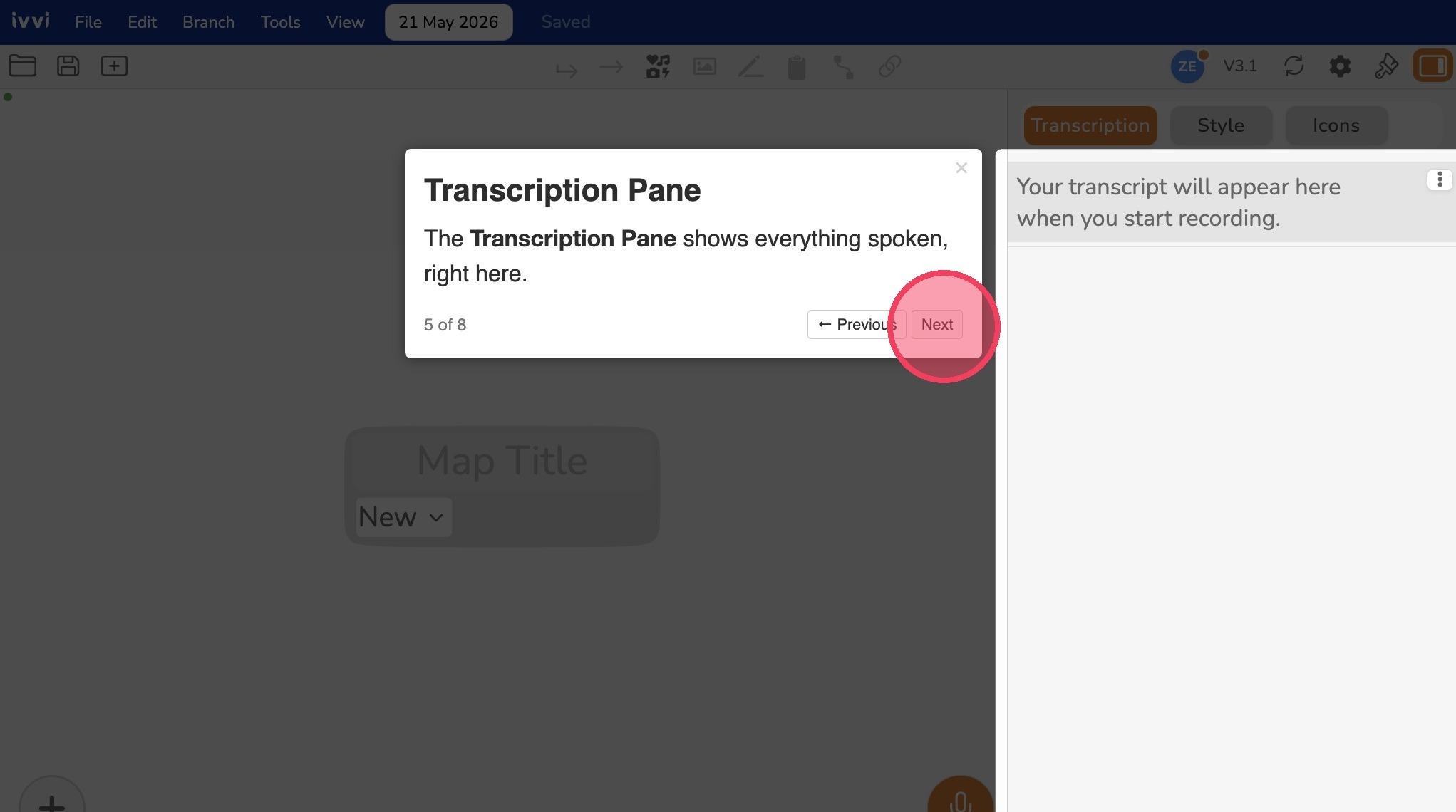
- Congratulations, you just created an account on ivvi notes. Start playing with it and discover how it can transform your notes and lectures. If you have an License Key, here’s our guide on how you can activate your ivvi license key