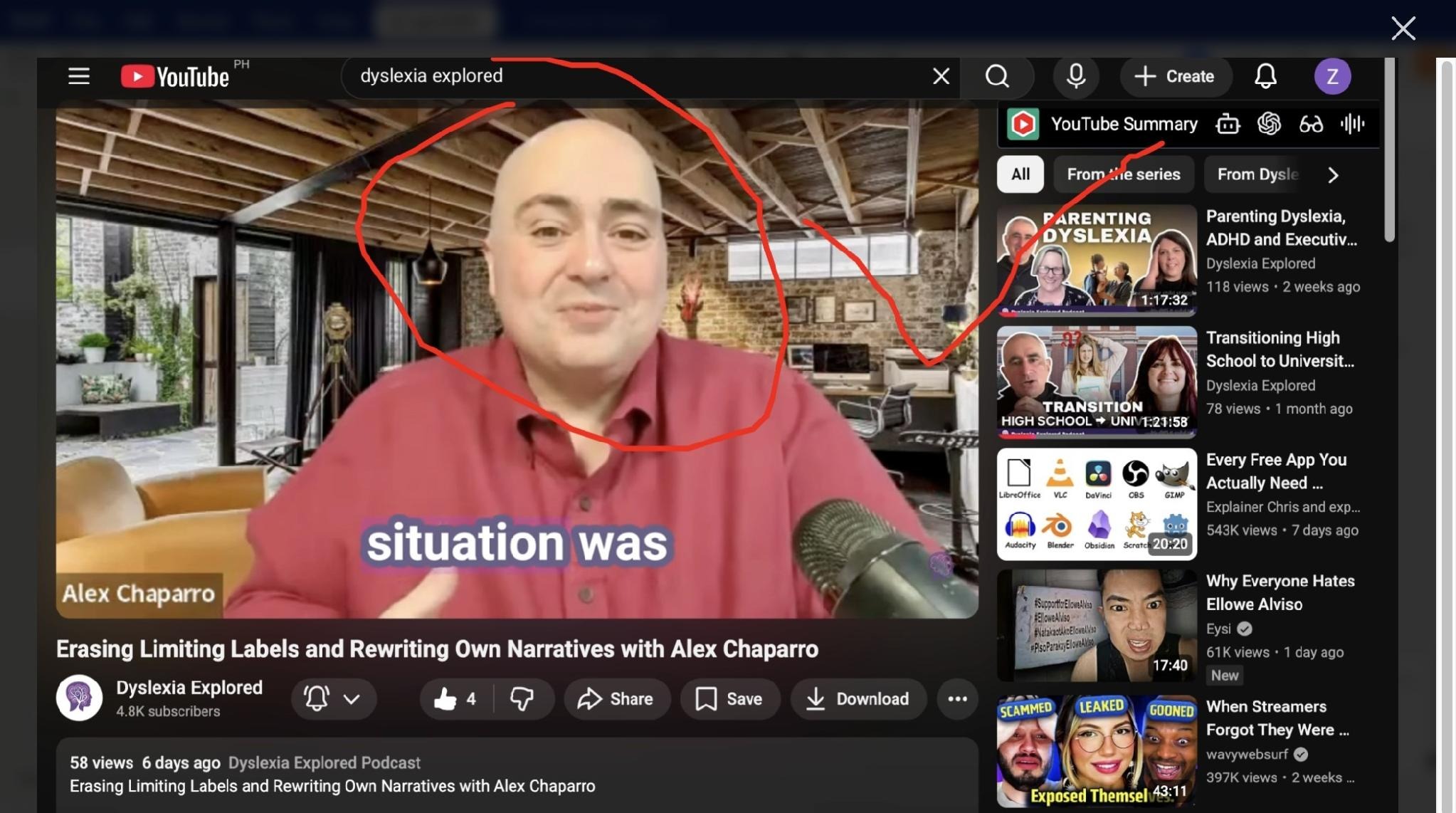
How to Draw Images Using Freehand Tool While Mind Mapping
While ivvi is processing or mind mapping your video, use the "freehand tool" to draw anything on the screenshot to emphasize an idea or highlight the area on the page.
-
Start a new map on ivvi.dev

-
Click "New" at the center

-
Click "YouTube to Map"

-
Switch to your youtube tab and click the video player of selected video content

-
Navigate back to ivvi
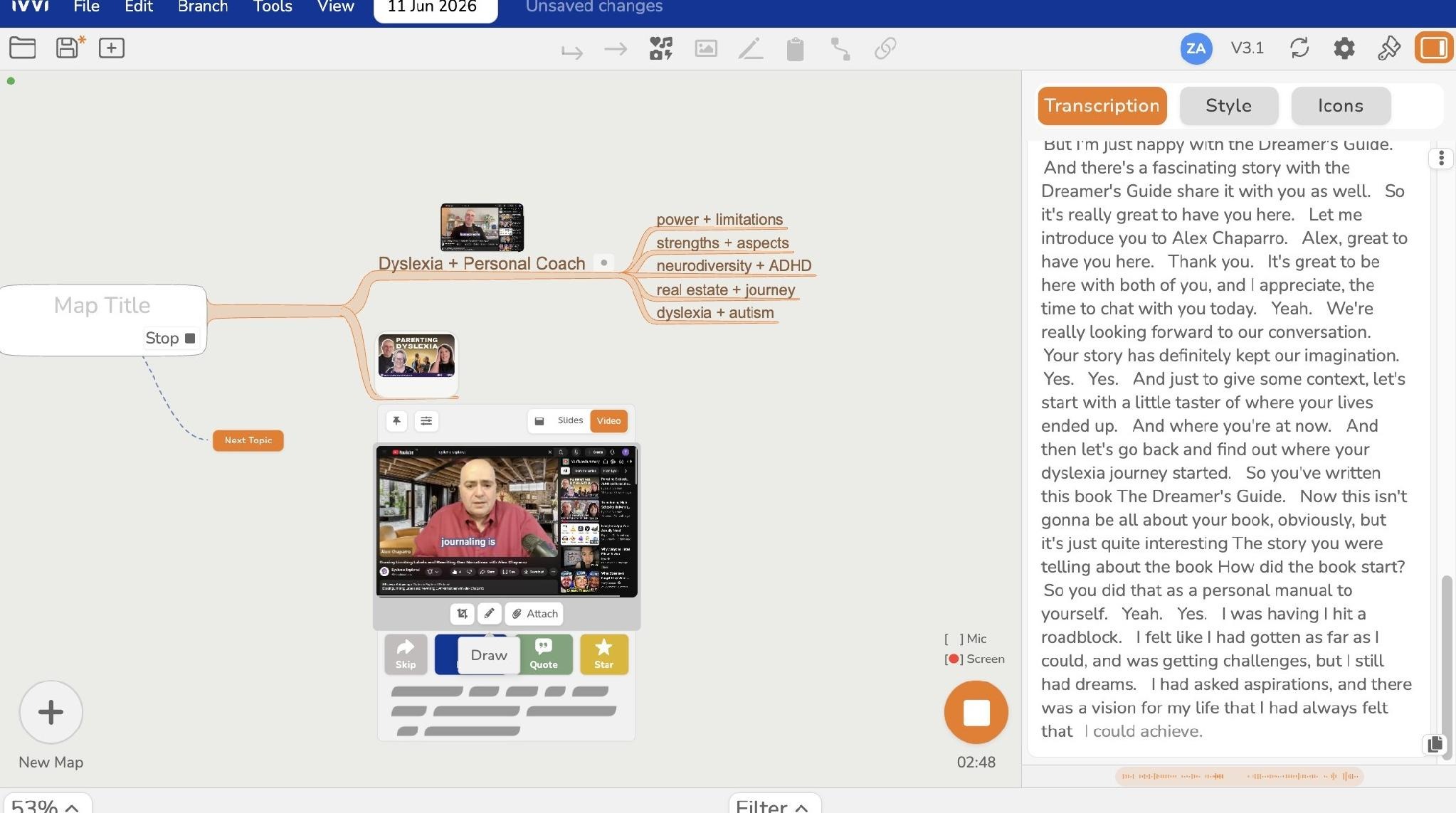
- Click "Freehand Tool" icon
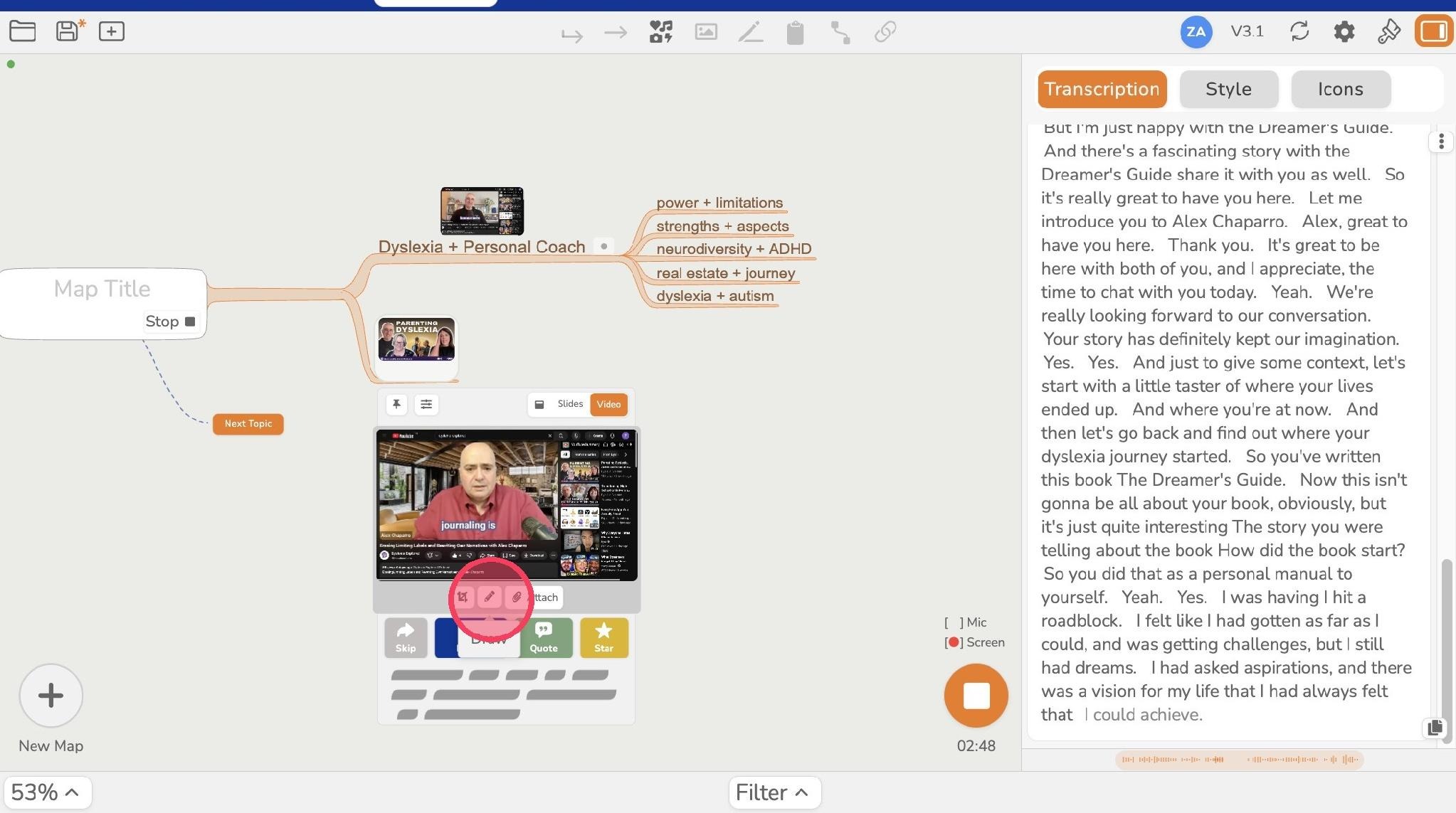
- Draw anything on the screenshot to emphasize an idea or highlight an area on the page.
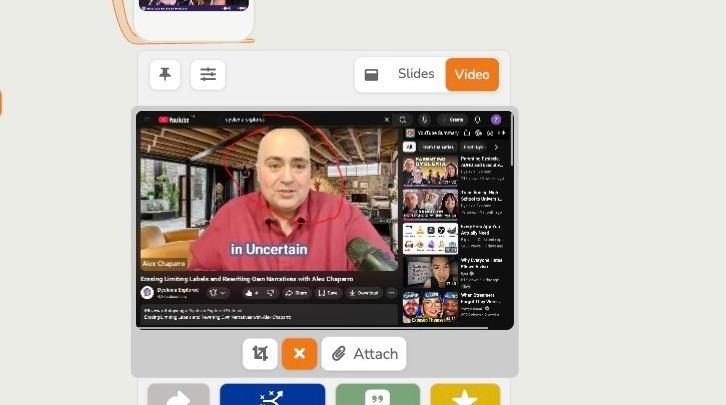
- Click "Attach" to add it to the mind map
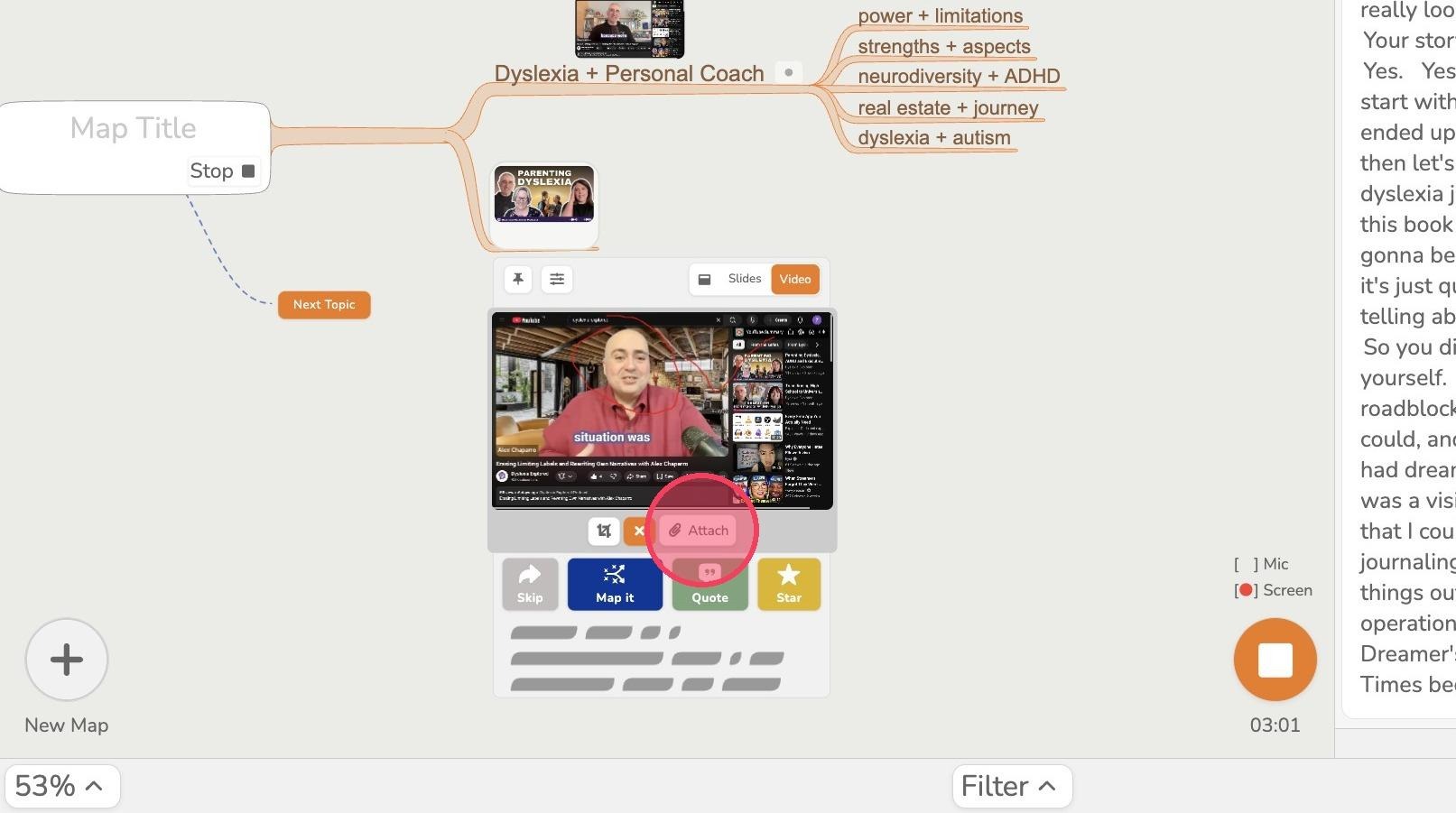
- Click the image to check if the drawing was actually added
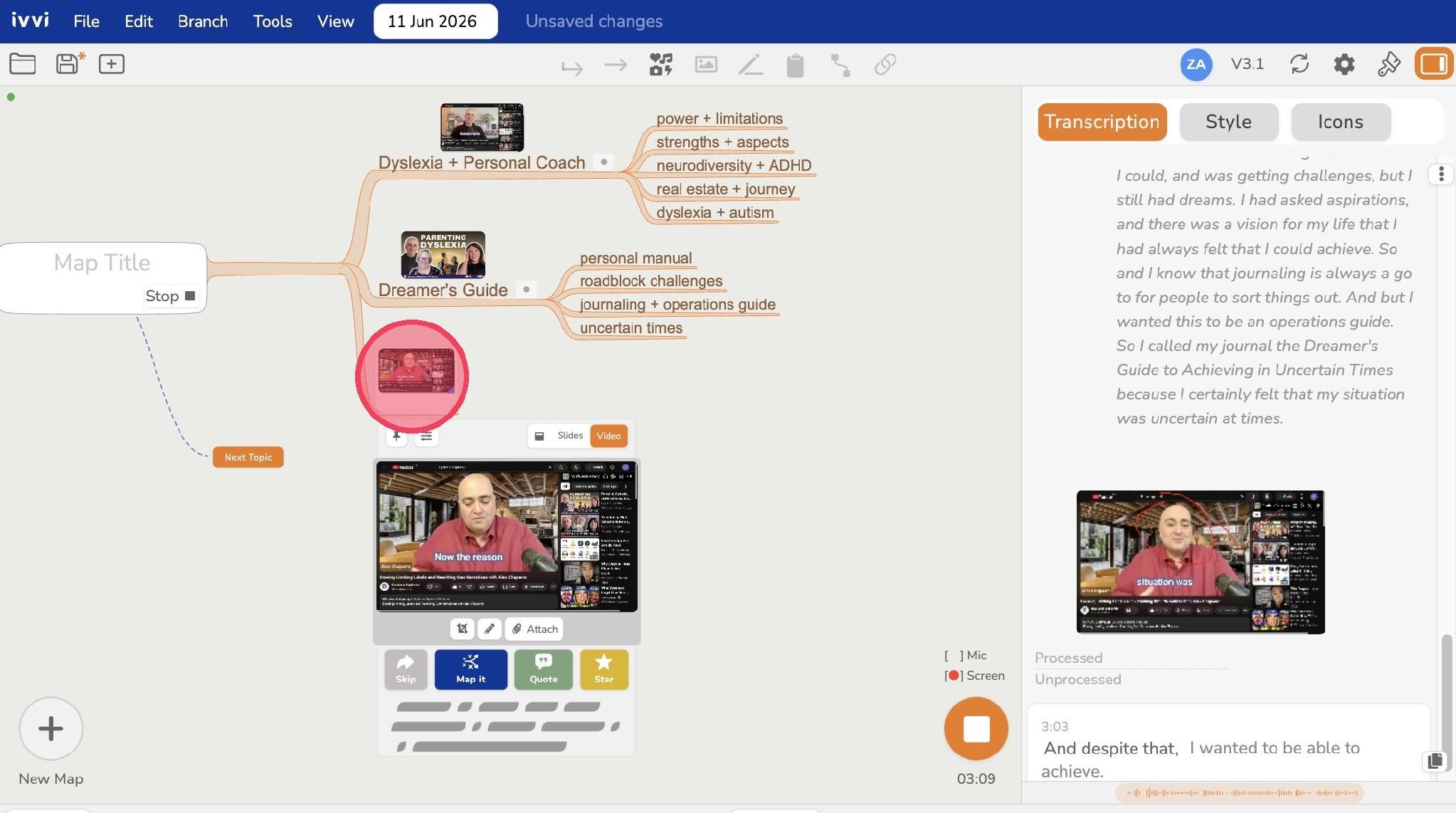
- You've successfully added drawing or marks on the image